

Key takeaways
- check_circleFinders work one of two ways: they look the address up in a stored database, or they build the likely patterns and test them against the mail server. The method decides which rows fail.
- check_circleCost per 1,000 found addresses runs from roughly $0.30 to roughly $690 across this list, which is a wider spread than any feature difference justifies.
- check_circleWhether a miss is billed matters more than the headline rate. Mailsfinder and Anymailfinder charge only on a hit; most database-led tools deduct a credit either way.
- check_circleApollo has the largest database and the most complaints about it: 9,526 G2 reviews at 4.7, with 503 of them citing inaccurate data.
- check_circleFindymail repriced to $99 a month for 5,000 credits, so roughly $19.80 per 1,000. Pages still quoting its old $49 tier are out of date, including some of ours until today.
- check_circleRocketReach and UpLead sell contact records rather than lookups, which is why their per-address cost sits an order of magnitude above the finders.
- check_circlePublished accuracy claims run from 80 to 99 percent and none were measured on the same list, so the only number worth acting on is the one your own rows produce.
- check_circleMailsfinder is ours. Its honest gap for this category is the missing Chrome extension, so a LinkedIn-first workflow means a CSV rather than a click.
How a finder actually finds an address
You give a finder a first name, a last name and a company domain. It gives you back an address, usually with a confidence score. What happens in between falls into two camps, and knowing which one you are buying explains almost everything about where a tool succeeds and fails.
A database tool answers from a store of addresses it has already collected, through scraping, data partnerships, user contributions or all three. It is instant, costs the vendor almost nothing per call, and covers well-known companies thoroughly. Its weakness is freshness: B2B addresses decay at roughly a quarter a year, and a record collected two years ago is a coin flip today.
A pattern tool works the other way. It figures out the address formats that company uses, generates the candidates for your person, then opens an SMTP conversation with the mail server to see which one is accepted. It is slower and it cannot resolve a catch-all domain, but the answer reflects the mail server today rather than whenever a crawler last passed by.
Most tools do some of both, and the honest ones tell you which answered. The practical consequence is simple: database tools do better on large, well-documented companies, and pattern tools do better on small ones nobody has indexed. If your list is enterprise contacts, buy coverage. If it is founders at 30-person companies, buy method.
The tools at a glance
How we evaluated these tools
Every tool here was judged on how it finds an address and what happens when it cannot. Pricing came from the research CSVs, re-verified against vendor pricing pages where the entry predated September 2026, which caught a repricing at Findymail. Ratings appear only where our data carries a verified figure and review count.
Database lookup or live pattern test
The method decides which rows come back empty, and no vendor leads with it.
Cost per 1,000 found addresses
Plan price divided by the addresses it can actually return, not by the credits advertised.
Whether a miss is billed
On a list that resolves at 60 percent, paying for misses raises your true cost by two thirds.
Verification included or sold separately
A found address that was never checked is a guess with a confidence score attached.
Three kinds of finder, and which list each one suits
The pricing pages look alike. The engines underneath are not, and they fail on different rows.
Database-led
Apollo, Snov.io, GetProspect and Skrapp answer from a store. Broad on companies everyone has indexed, quietly stale on the rest, and fast.
Pattern and verify, live
Mailsfinder and Anymailfinder build the candidates and test them against the mail server now. Better on small companies, honest about catch-all domains, and slower per lookup.
Contact-record platforms
RocketReach and UpLead sell whole records, phone numbers and firmographics included. Priced per record rather than per lookup, which is why the per-address figure is so much higher.
Every tool, side by side
Rank is a table position, not a promotional order.
| Tool | Method | Entry price | Cost per 1,000 found | Free tier | Rating |
|---|---|---|---|---|---|
| Mailsfinder | Pattern and verify | $9.99/mo | ~$0.3 | 100 a day, forever | New on G2 |
| Tomba | Database plus pattern | $89/mo | ~$8.90 | Trial credits | New on G2 |
| ContactOut | Database | $25/mo | ~$83.30 | 5 a day | 4.4/5 (109) |
| Apollo | Database | $49/user/mo | ~$19.60 | 75 a month per user | 4.7/5 (9,526) |
| Findymail | Database plus verify | $99/mo | ~$19.80 | 10 credits trial | 4.9/5 (56) |
| Hunter | Database plus pattern | $49/mo | ~$24.50 | 50 a month | 4.4/5 (634) |
| Skrapp.io | Database | $39/mo | ~$19.50 | 100 a month, forever | 4.5/5 (329) |
| Snov.io | Database | $39/mo | ~$39.00 | 50 a month | 4.5/5 (483) |
| GetProspect | Database | $49/mo | ~$49.00 | 50 valid a month | 4.0/5 (41) |
| Voila Norbert | Database plus pattern | $49/mo | ~$49.00 | 50 leads once | 4.6/5 (91) |
| Dropcontact | Rebuild on request | EUR 29/mo | ~EUR 58 | None standing | 4.6/5 (49) |
| Anymailfinder | Pattern and verify | Tiers from 400 credits | Not published in USD | 7-day trial | 3.4/5 (5) |
| UpLead | Contact records | $99/mo | ~$582 | 7-day trial, 5 credits | 4.7/5 (825) |
| RocketReach | Contact records | $69/mo | ~$690 | 3 lookups once | 4.4/5 (1,212) |
Pricing read from vendor pages and the research data in September 2026. Cost per 1,000 assumes every credit resolves into an address, which flatters the tools that bill for misses. Order is cheapest published rate first, which is a sorting choice, not a ranking. Cost per unit uses each vendor's best published rate, which is usually a larger pack or plan than the entry price in the column beside it, so the two do not divide into each other.
Cost calculator
What finding your list costs, tool by tool
Figures use each tool's entry-tier rate per found address. Per-seat tools are priced for one seat. Mailsfinder uses the $19.99 Growth plan at 3 credits per found address.
| Tool | Addresses you get | Rate used |
|---|
Rates from vendor pricing pages and the research data, September 2026. Where a vendor bills searches rather than results, divide by your own hit rate for the true figure.
The tools, reviewed
Every tool gets the same card: what it is, four features, three pros, three cons, and an honest read. Same format for ours as for everyone else's.
Mailsfinder
Pattern and verify, pay per hit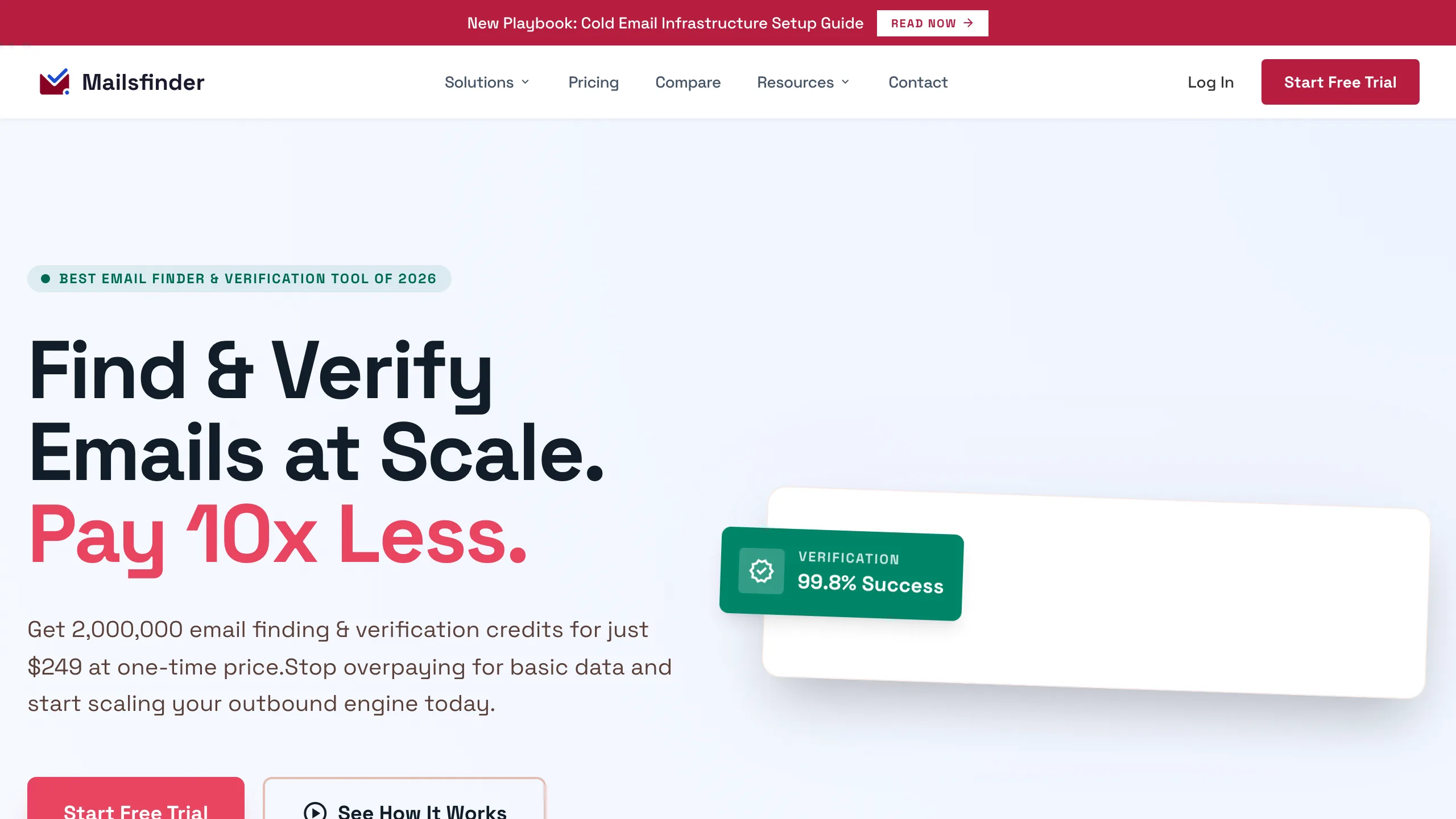
Ours, so read the cons first and check the pricing page yourself. A find builds the address patterns a company uses and tests them against its mail server until one is accepted, which is why it does better on small companies than a database would. You are charged 3 credits when an address comes back and nothing when it does not. The same pool covers verification at 1 credit. Starter is $9.99 for 75,000 credits a month, Growth $19.99 for 200,000.
Key features
- checkLive SMTP test per candidate the answer reflects the mail server now, not a stored record.
- checkCharged only on a hit a search that returns nothing costs nothing.
- checkCatch-all reported honestly flagged as its own status rather than passed off as valid.
- checkOne pool for find and verify 3 credits to find, 1 to verify.
Pros
- addLowest cost per found address on this page
- addNo charge when nothing is found
- addFinding and verifying share one balance
Cons
- removeNo Chrome extension, still on the roadmap
- removeNo API below the $19.99 Growth plan
- removeNewer platform with a thin review record
The honest read
Strong on price and on the rows a database misses. What you give up is the browser extension and the long public review history the incumbents have.
Tomba
Widest endpoint coverage, low rate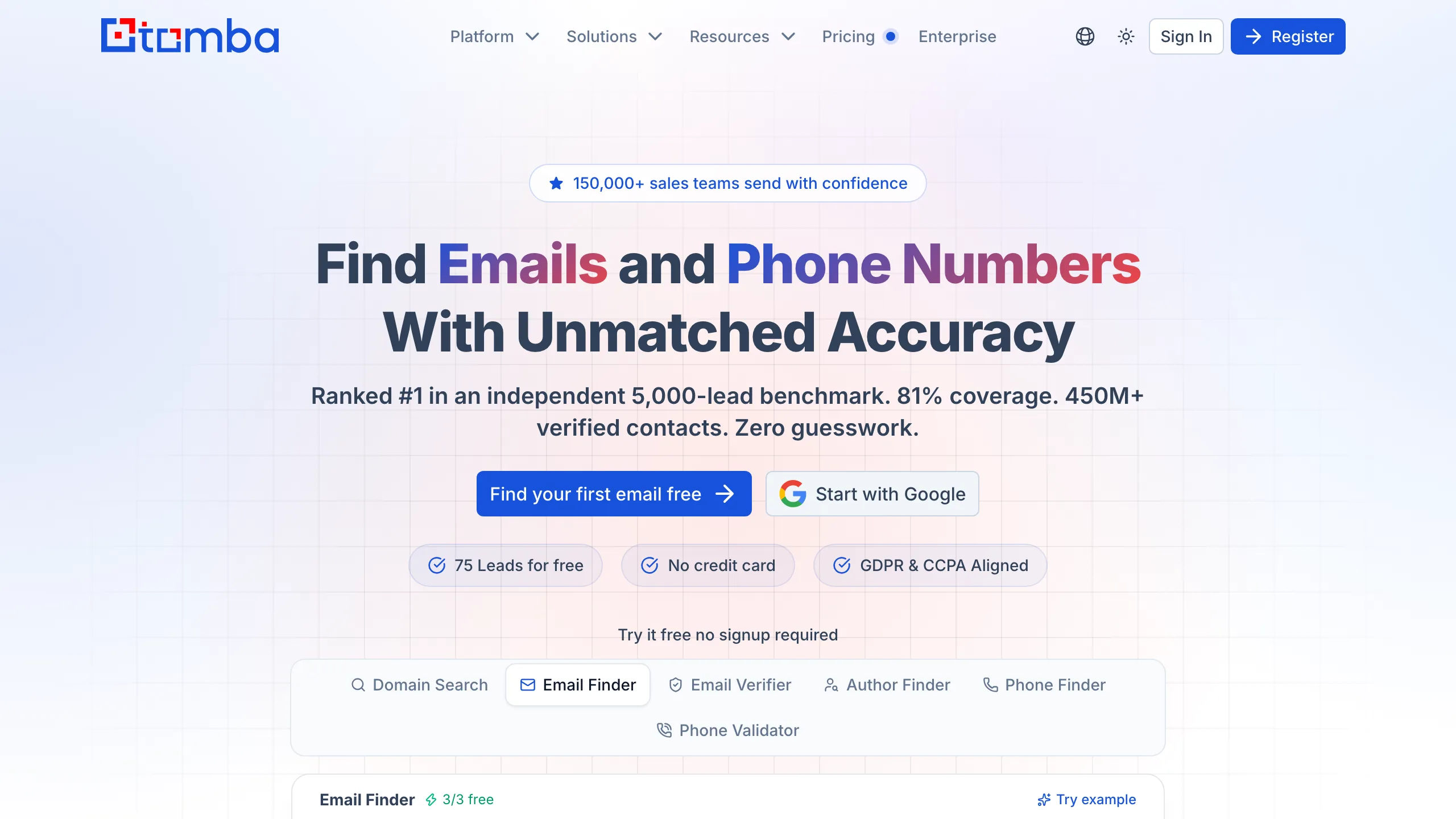
More endpoints than anyone else here for the money: finder, domain search, verifier, author finder, phone finder and phone validator, all on one key from $29 a month for 2,500 credits. The author finder resolves the writer behind a URL and has no real equivalent in this category, which is why link builders end up here. The homepage claims 81 percent coverage on a 5,000-lead benchmark, a vendor figure on a vendor sample, and there is no verified G2 rating to weigh it against.
Key features
- checkSix endpoints on one key finder, domain search, verifier, author finder, phone finder, validator.
- check2,500 credits for $29 the second lowest rate on this page.
- checkAuthor Finder resolves the writer behind a URL, genuinely differentiated.
- checkSDKs in several languages plus a documented REST surface.
Pros
- addWidest feature coverage per dollar here
- addLow entry price at $29
- addAuthor finder has no direct rival
Cons
- removeNo verified G2 rating to judge it by
- removeFree allowance is trial credits on signup
- removeCoverage claims are vendor-measured
The honest read
The most capable tool here per dollar, with the least public evidence behind its claims. Spend the free 75 on your own rows before forming a view.
ContactOut
Recruiting, personal emails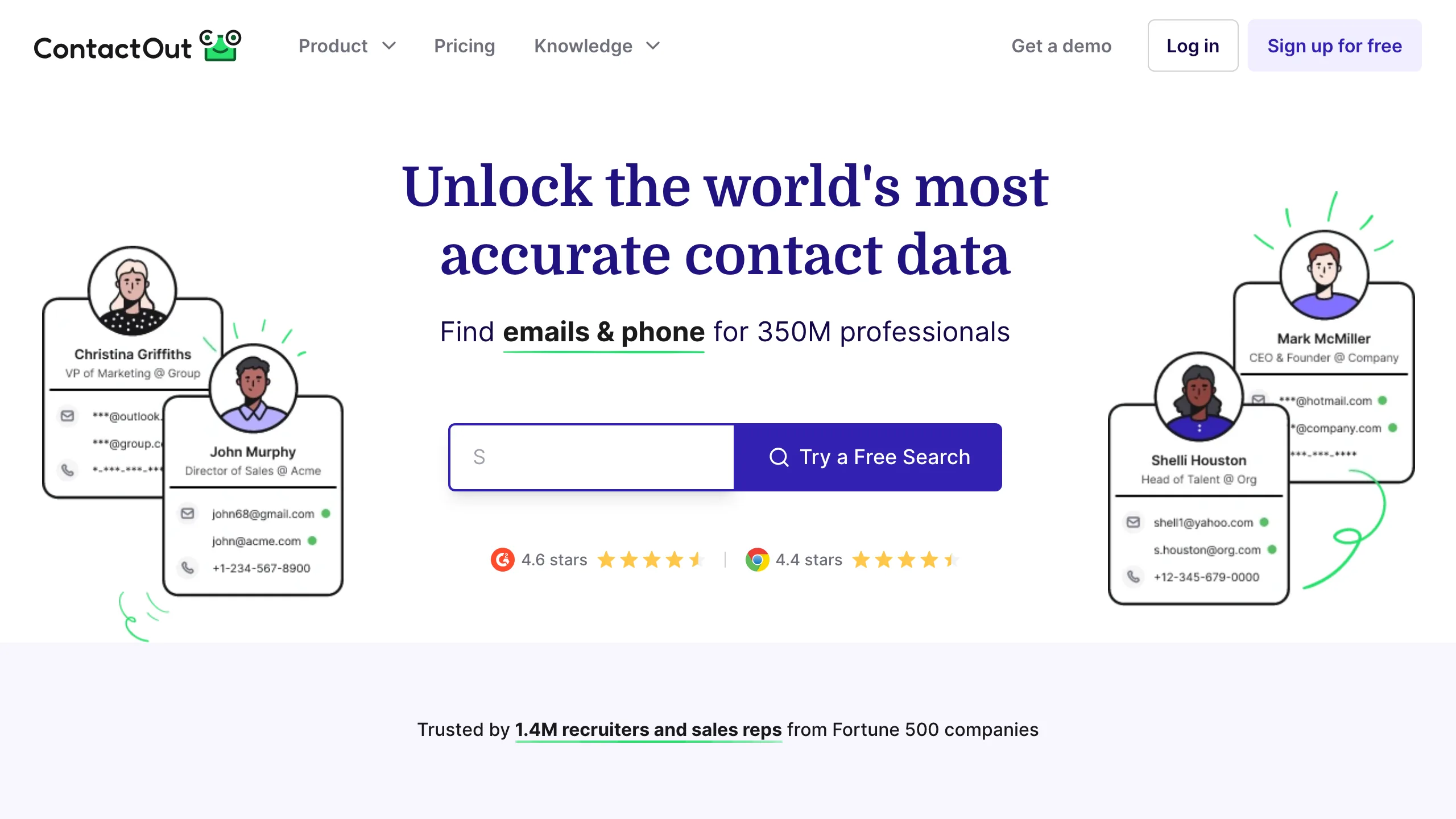
Recruiters pick it for personal email addresses, which most B2B finders do not reach, and for integrations with Greenhouse, Lever and Bullhorn. The claim is triple verification at 97 percent, independently tested nearer 93. The pricing language is the friction: the $25 Email plan says unlimited, the fair-use cap sits near 2,000 emails and exports are limited to 300 a month, and the gap between those two numbers is the most cited complaint in its G2 reviews.
Key features
- checkPersonal as well as work addresses the reason recruiting teams choose it over a sales tool.
- checkATS integrations Greenhouse, Lever and Bullhorn, plus Salesforce and HubSpot.
- check5 free reveals a day a standing allowance rather than a one-time trial.
- checkTriple verification vendor claim of 97 percent, tested nearer 93.
Pros
- addReaches personal emails others miss
- addStrong recruiting integrations
- addFree tier renews daily
Cons
- removeUnlimited is capped near 2,000 emails
- remove300 exports a month binds before credits do
- removeAPI only on the Team plan
The honest read
The best tool here for recruiting and the most misleading pricing page. Budget against 300 exports a month and it is good value.
Apollo
Largest database, per seat
The biggest database in this comparison and the most divided review record: 9,526 G2 reviews at 4.7, with ease of use the top positive theme at 1,679 mentions and inaccurate data at 503. Both are true at once, which is what a database this large looks like at this price. You get 2,500 credits per user for $49 on annual billing, alongside sequences, a CRM layer and a bounce-refund policy that returns the credit if a verified address bounces within 30 days.
Key features
- check2,500 credits per user a month generous for a single seat.
- checkDatabase, sequencer and CRM you are buying a platform, not a finder.
- checkCredit refunded on a bounce within 30 days, on verified addresses.
- check9,526 G2 reviews at 4.7 the deepest review base in this category.
Pros
- addLargest database on this page
- addPlatform features well beyond finding
- addCredit refunded when a verified email bounces
Cons
- remove503 G2 reviews cite inaccurate data
- removePer-seat pricing doubles with a second user
- removeFree plan is only 75 credits a month
The honest read
Enormous coverage if you verify before you send, and a bounce problem if you do not. At roughly two cents a contact you can afford to discard the bad rows, provided you actually find them.
Findymail
Highest rated, repriced in 2026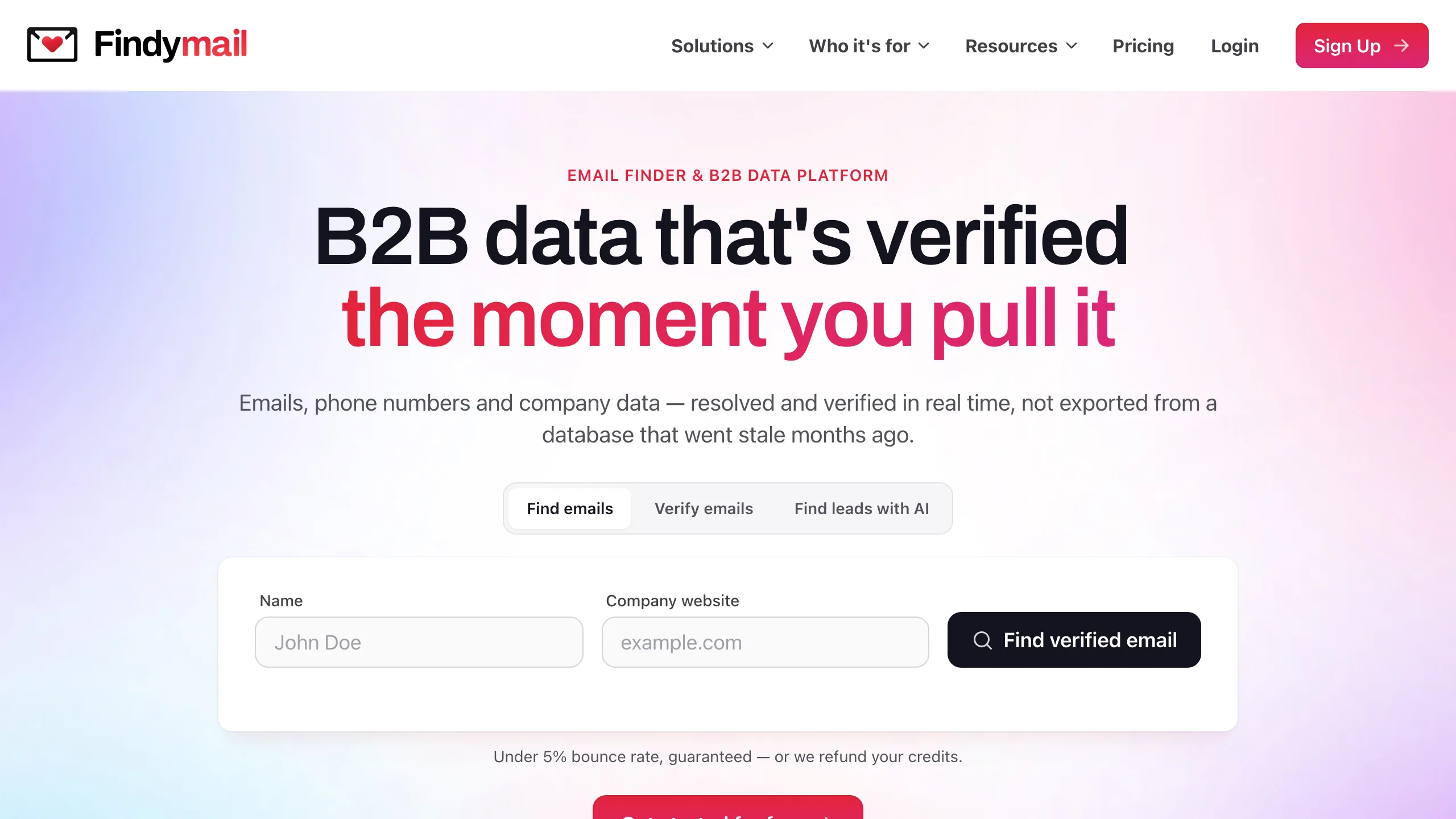
The highest verified rating on this page, 4.9 across 56 G2 reviews, from cold email operators who care about bounce rate above everything. Verification happens inside every find and there is a bounce guarantee behind it. Pricing changed in 2026: the Starter plan is now $99 a month for 5,000 finder credits plus 5,000 verifier credits, which works out near $19.80 per 1,000 found. Comparisons still quoting a $49 tier for 1,000 credits, including ours until today, are out of date.
Key features
- checkVerification inside every find the basis of the bounce guarantee.
- check5,000 finder plus 5,000 verifier credits bundled at the one price.
- checkIntegrations with sending tools Lemlist, Instantly and Smartlead among others.
- check4.9 on G2 across 56 reviews the highest verified rating here.
Pros
- addHighest verified user rating on this page
- addVerification built into every find
- addVerifier credits bundled with finder credits
Cons
- removeEntry plan jumped to $99 a month
- removeFree allowance is 10 credits, one time
- removeNarrow focus on outbound use cases
The honest read
Loved by the people it is built for, and the 2026 repricing moved it out of reach for anyone testing on a small budget. Judge it on bounce rate, not sticker.
Hunter
Best documented, category default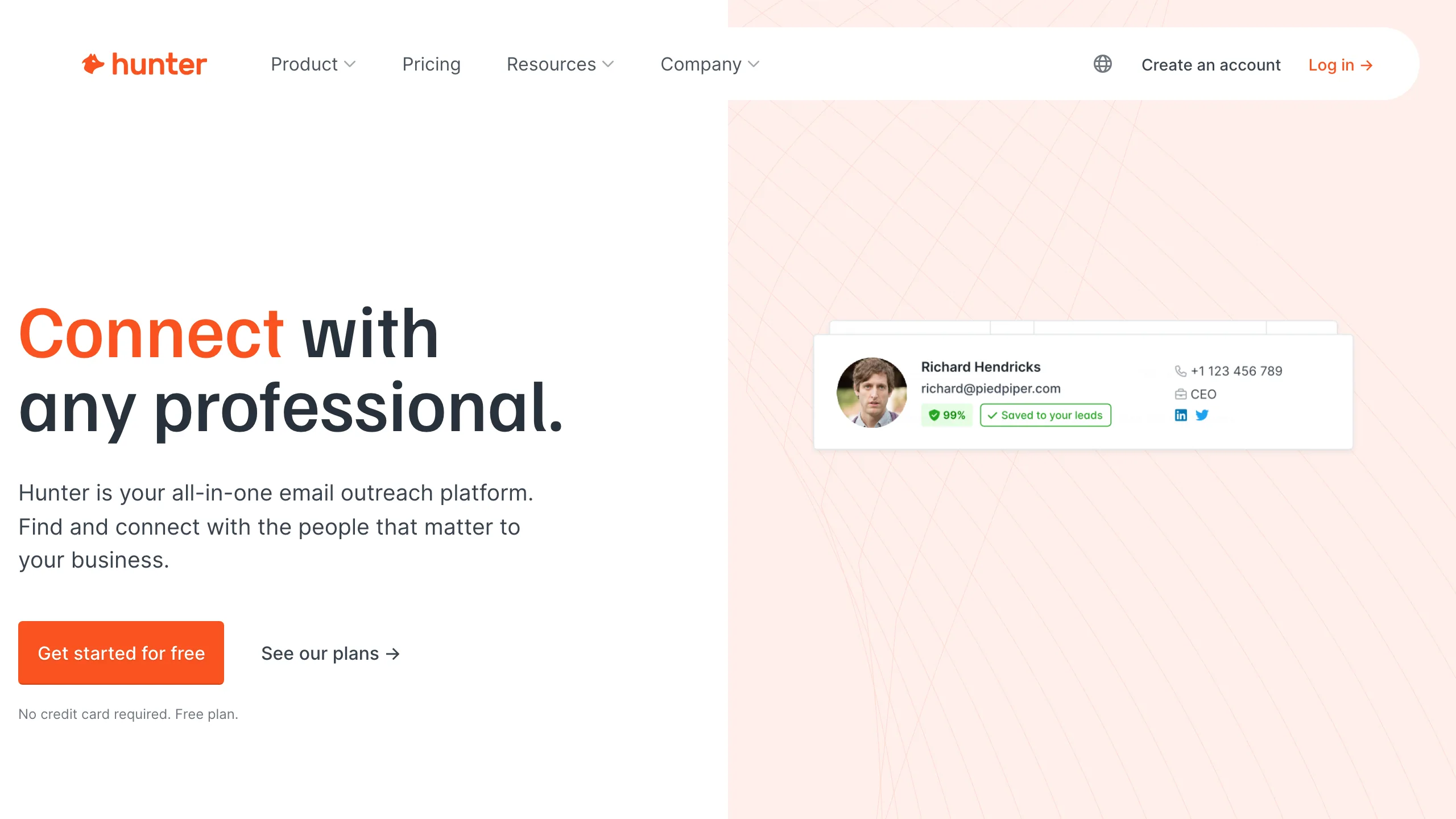
The default choice in this category and priced accordingly: $49 a month for 2,000 searches, or $34 on annual billing. Domain Search sits alongside the finder and returns every address Hunter holds for a company, which is the feature people actually stay for when they have no specific name. Each result carries a confidence score and the sources the address was seen in, which is rare. Independent tests put the verifier nearer 70 percent than its published 91 percent claim.
Key features
- checkDomain Search as well as Finder every address for a company, not just one person.
- checkSources and confidence on each result where the address was seen, and when.
- checkAPI on all plans including free 50 credits a month is enough to prototype.
- check634 G2 reviews at 4.4 deep, long-standing feedback.
Pros
- addBest documentation and library support here
- addSources attached to every result
- addAPI available on the free plan
Cons
- removeAround $24.50 per 1,000 searches
- removeSearches billed whether or not they resolve
- removeVerifier tests below its published claim
The honest read
The safe pick when developer time costs more than credits, and the wrong one when the list is large and the budget fixed.
Skrapp.io
LinkedIn-first, free tier renews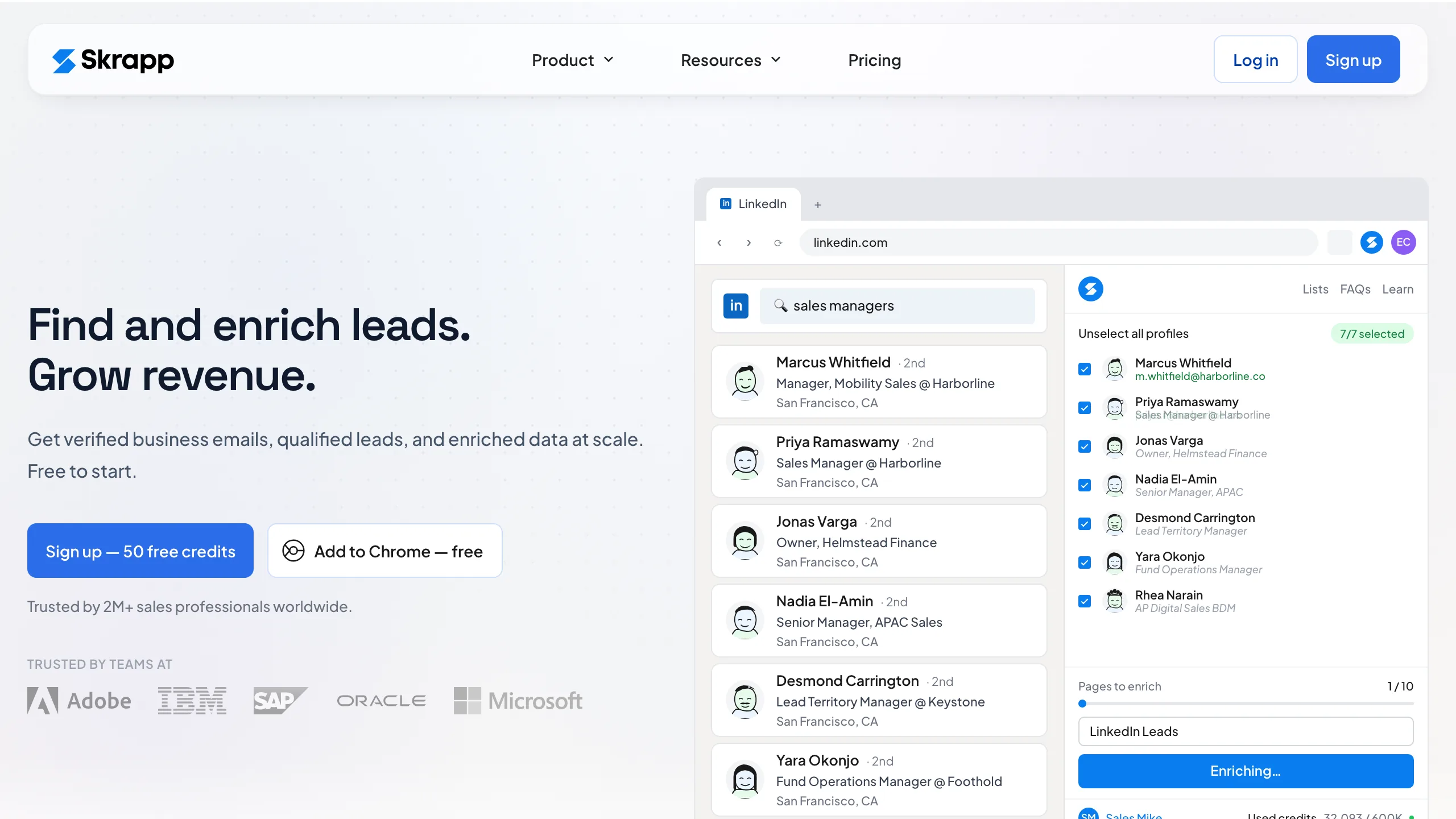
A LinkedIn tool first and a finder second, and the product reflects that: the extension pulls addresses while you browse Sales Navigator, and bulk work happens through lists rather than endpoints. The free plan renews at 100 credits every month rather than expiring, which is unusually generous, and paid plans bill only for deliverable results so invalid addresses do not consume the allowance. With 329 G2 reviews at 4.5 the extension clearly holds up in daily use.
Key features
- check100 free credits a month, forever recurring rather than a one-time trial.
- checkBilled on deliverable results only invalid results do not consume credits.
- checkLinkedIn and Sales Navigator extension the primary workflow.
- check329 G2 reviews at 4.5 a large verified base for a tool this size.
Pros
- addFree tier renews monthly, forever
- addOnly deliverable results are billed
- addMature LinkedIn workflow
Cons
- removeAround $39 per 1,000 credits at entry
- removeAPI access only on higher plans
- removeLittle use outside a LinkedIn workflow
The honest read
Pick it for the extension, not the endpoint. The free plan is good enough that many solo users never pay.
Snov.io
Finder inside a sales platform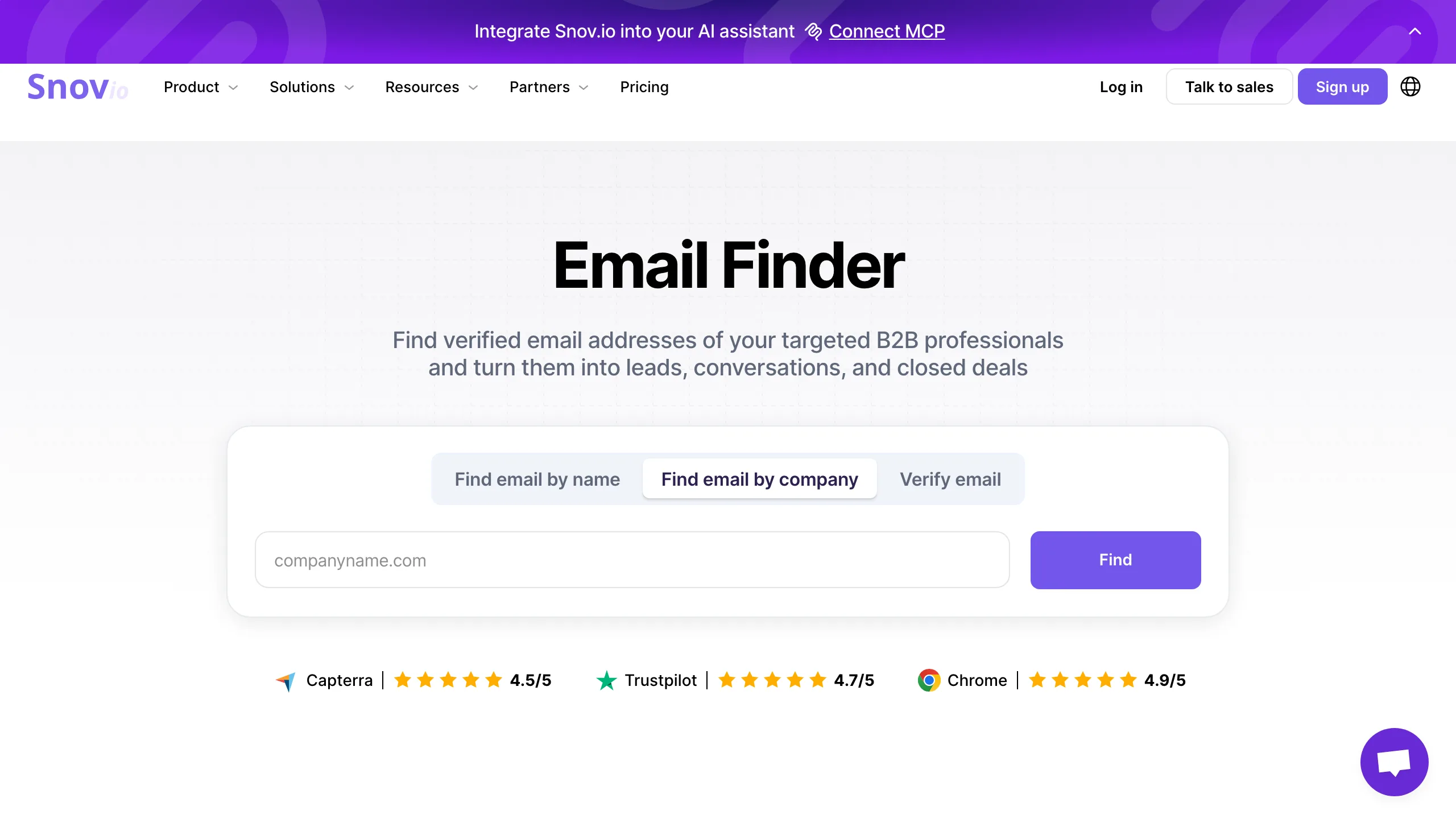
Sold as a platform rather than a finder, and priced that way: $39 buys 1,000 credits plus 5,000 campaign recipients, so if you were going to pay for a sequencer anyway the effective finding cost drops well below the table figure. Verification runs a seven-stage process with a claimed 93 percent accuracy, though reported figures land nearer 75 to 80. Annual billing takes it to $29.25. API access starts on the paid plans, not the free one.
Key features
- check5,000 campaign recipients included real money if you would otherwise buy a sequencer.
- checkFinder, verifier and sending one platform, one bill.
- checkFree plan sends as well as finds 50 credits and 100 recipients a month.
- check483 G2 reviews at 4.5 a solid verified base.
Pros
- addReplaces two tools on one bill
- addFree plan includes campaign sending
- addAnnual billing saves 25 percent
Cons
- removeAround $39 per 1,000 as a pure finder
- removeNo API on the free plan
- removeClaimed accuracy sits above reported
The honest read
Good economics when you use the campaigns and mediocre when you do not. Judge it as a sales platform, because that is what you are buying.
GetProspect
Counts valid emails, free API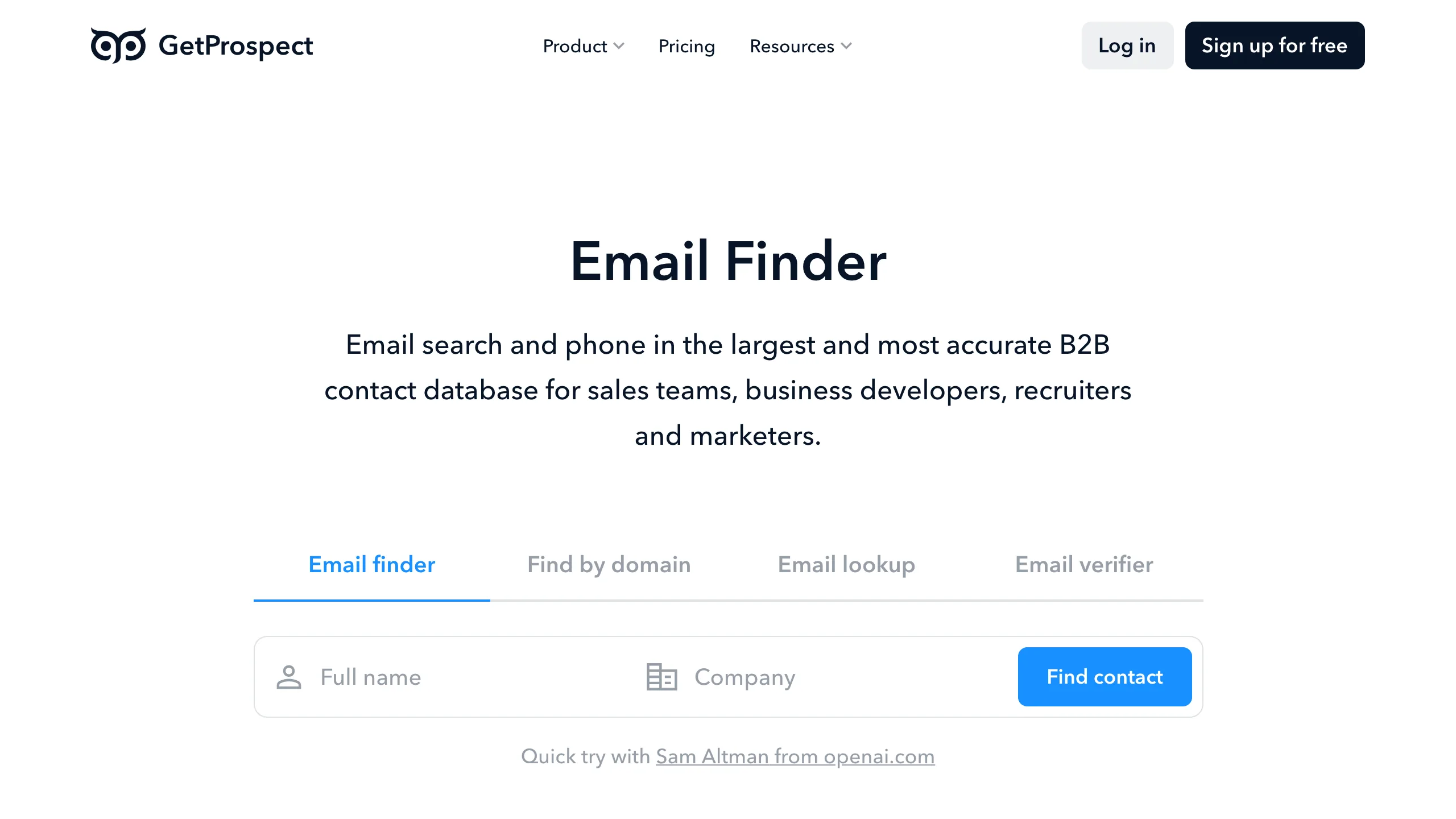
Counting in valid emails rather than credits removes a layer of arithmetic: $49 a month buys 1,000 addresses that actually resolved, plus 2,000 verifications, or $34 on annual billing. The distinctive part is the free plan, which includes API access at 50 valid emails a month, something no other tool here offers without payment. At 4.0 across 41 G2 reviews it carries the lowest verified rating in this comparison, and Reddit tests of the same product report 60 to 84 percent against its 95 percent claim.
Key features
- checkPriced in valid emails the plan number is the address number.
- checkAPI access on the free plan 50 valid emails a month, unique here.
- checkVerification bundled 2,000 verifications alongside 1,000 finds.
- checkLinkedIn extension and light CRM for profile-by-profile work.
Pros
- addFree plan includes API access
- addPlan counts addresses, not credits
- addVerification included with finding
Cons
- removeAround $49 per 1,000 at entry
- remove4.0 on G2, lowest verified rating here
- removeUser tests report accuracy far below its claim
The honest read
The free tier is the reason to look: the cheapest legitimate way to build against an API. Paid pricing is the weakest value on this page.
Voila Norbert
Simple, long-established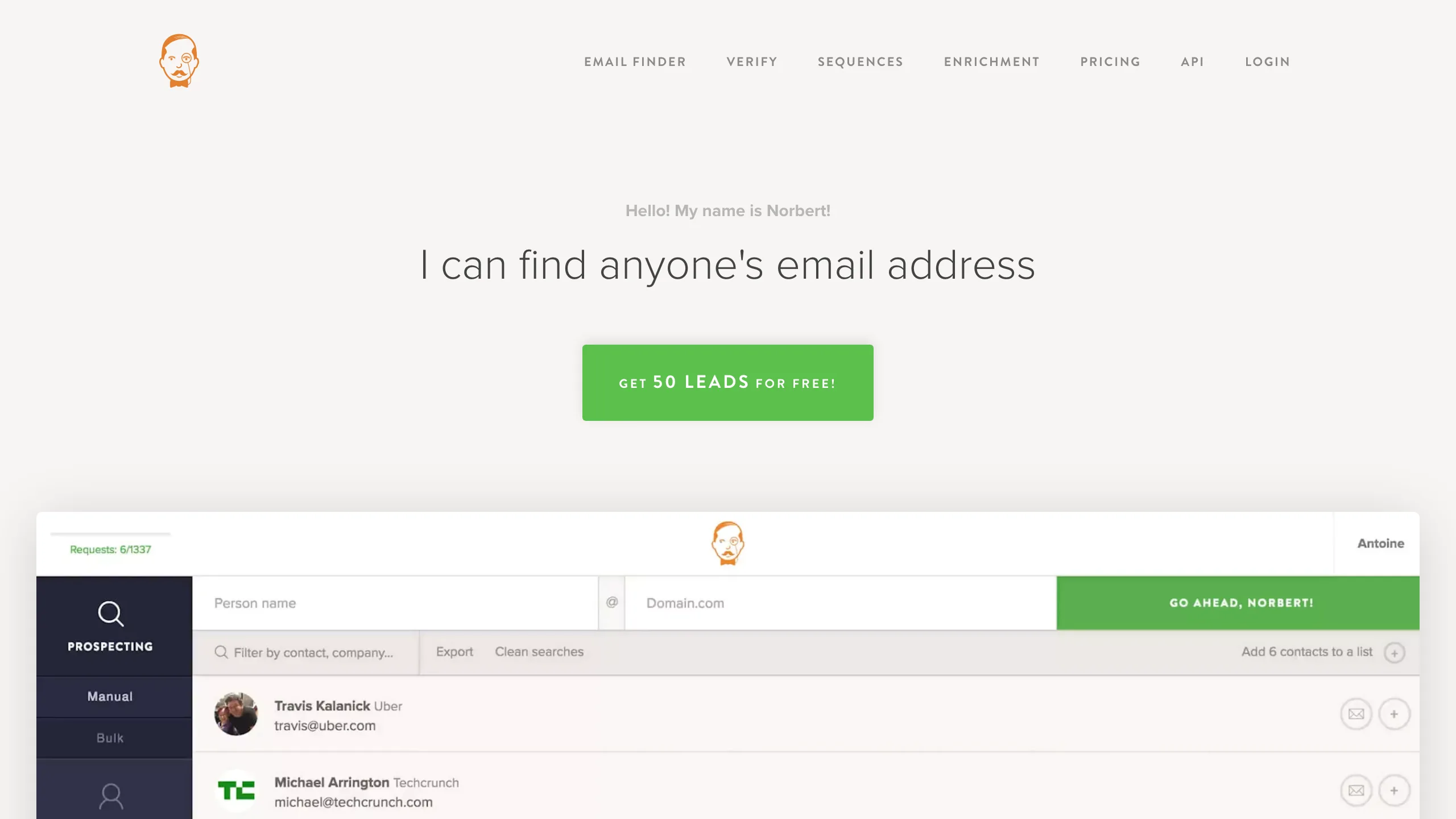
One of the older names here, doing the core job without much around it: name and company in, address out, with a bulk uploader and optional verification. Pricing is $49 a month for 1,000 credits on the Valet plan, $39 on annual. With 91 G2 reviews at 4.6 the people who buy it tend to keep it, and the Zapier and WordPress integrations suit teams who would rather not touch an API. The free allowance is 50 leads once, so a trial rather than a tier.
Key features
- checkSingle and bulk finding CSV upload alongside the API.
- checkZapier and WordPress integrations for workflows without a developer.
- checkVerification available priced separately from finding credits.
- check4.6 on G2 across 91 reviews steady feedback over many years.
Pros
- addStraightforward with no platform to learn
- addWell rated over a long period
- addGood no-code integration coverage
Cons
- removeAround $49 per 1,000 credits
- removeFree allowance is 50 leads, one time
- removeFewer features than newer rivals at the price
The honest read
Dependable and unexciting at a price newer tools have undercut. Reasonable if you value longevity, hard to justify on unit economics.
Dropcontact
No stored contacts, GDPR-first
No contact database exists here at all. Each address is reconstructed and verified at the moment you ask, which is the architecture the GDPR position rests on, and for a European team that is often the deciding factor before price enters the conversation. Pricing starts at EUR 29 a month for 500 credits, around EUR 24 on annual, so the unit cost sits high next to the volume vendors. Enrichment goes beyond email to job title and company data, and the API is on every plan including an MCP server.
Key features
- checkNo stored contact database addresses rebuilt per request, the basis of the GDPR claim.
- checkEnriches beyond the address job titles and company data in the same call.
- checkAPI on all plans including an MCP server for agent workflows.
- check4.6 on G2 across 49 reviews small but consistent.
Pros
- addStrongest data-protection position here
- addEnriches more than the email address
- addAPI included on every plan
Cons
- removeAround EUR 58 per 1,000 credits
- removeNo standing free tier to test with
- removeEuro pricing adds FX noise for US teams
The honest read
If a data-protection review is part of your buying process this is a shortlist of one. If it is not, you are paying a premium for an architecture that does not change your output.
Anymailfinder
Only pay for verified results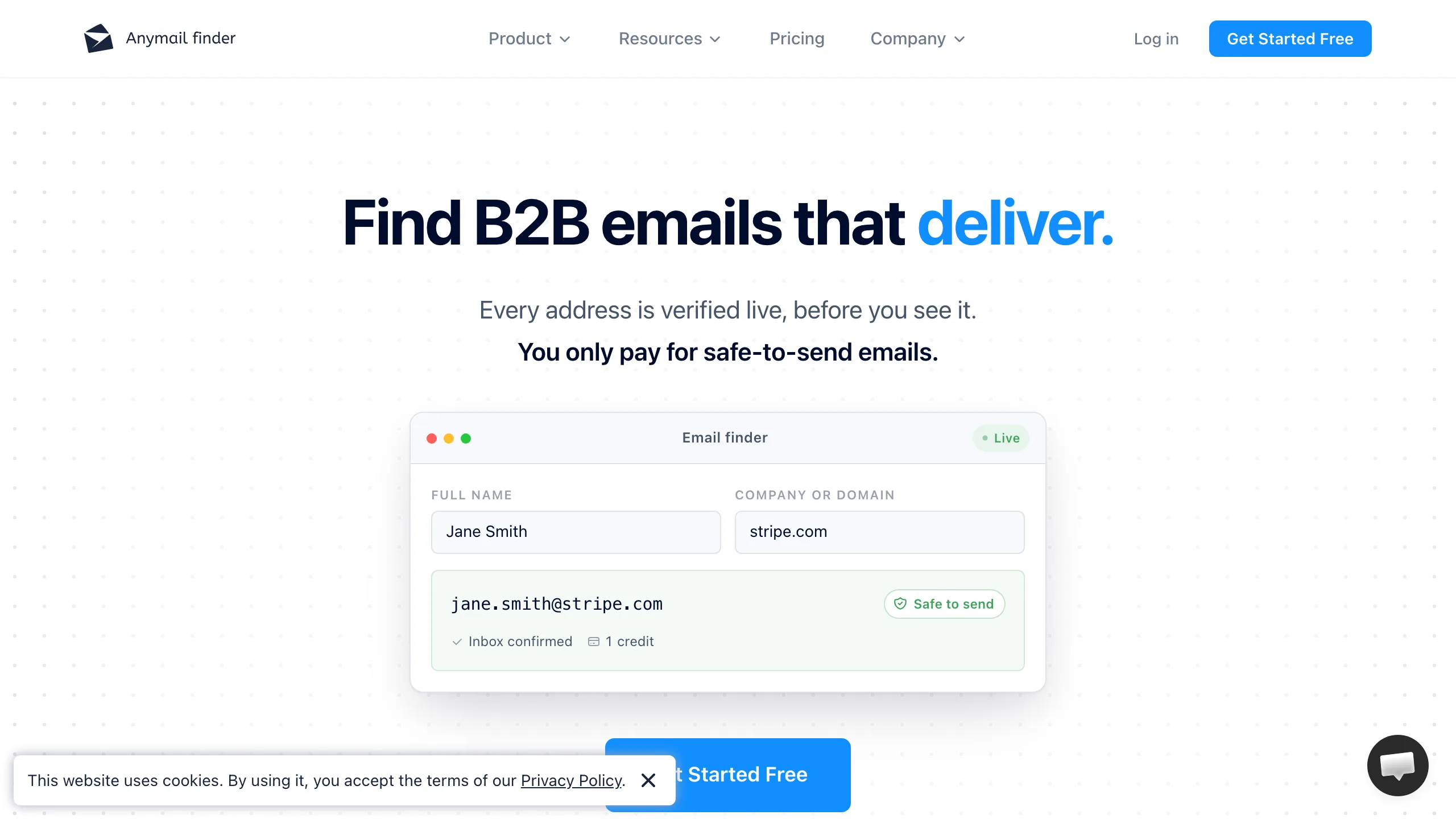
The billing model is the selling point and deserves copying: you are charged only when a verified address comes back, so a failed lookup costs nothing. The entry tier is where it falls down, at $14 a month for 50 credits, which is roughly $280 per 1,000 and the highest unit cost on this page. Volume plans bring that down a long way. With 5 G2 reviews the public track record is too thin to lean on, and the trial credits expire after seven days.
Key features
- checkCharged on verified results only misses cost nothing, the clearest model here.
- checkDecision-maker search finds a role at a company when you have no name.
- checkBulk endpoint returns a file sensible for overnight enrichment.
- checkSimple, readable API docs one page, no SDK required.
Pros
- addPay only for verified addresses
- addLowest monthly commitment here
- addClear, small API surface
Cons
- removeRoughly $280 per 1,000 at the entry plan
- removeOnly 5 G2 reviews to judge by
- removeTrial credits expire after 7 days
The honest read
The billing model is the best idea on this page attached to the worst entry pricing. Worth a look at volume, hard to justify at $14.
UpLead
Contact records, not lookups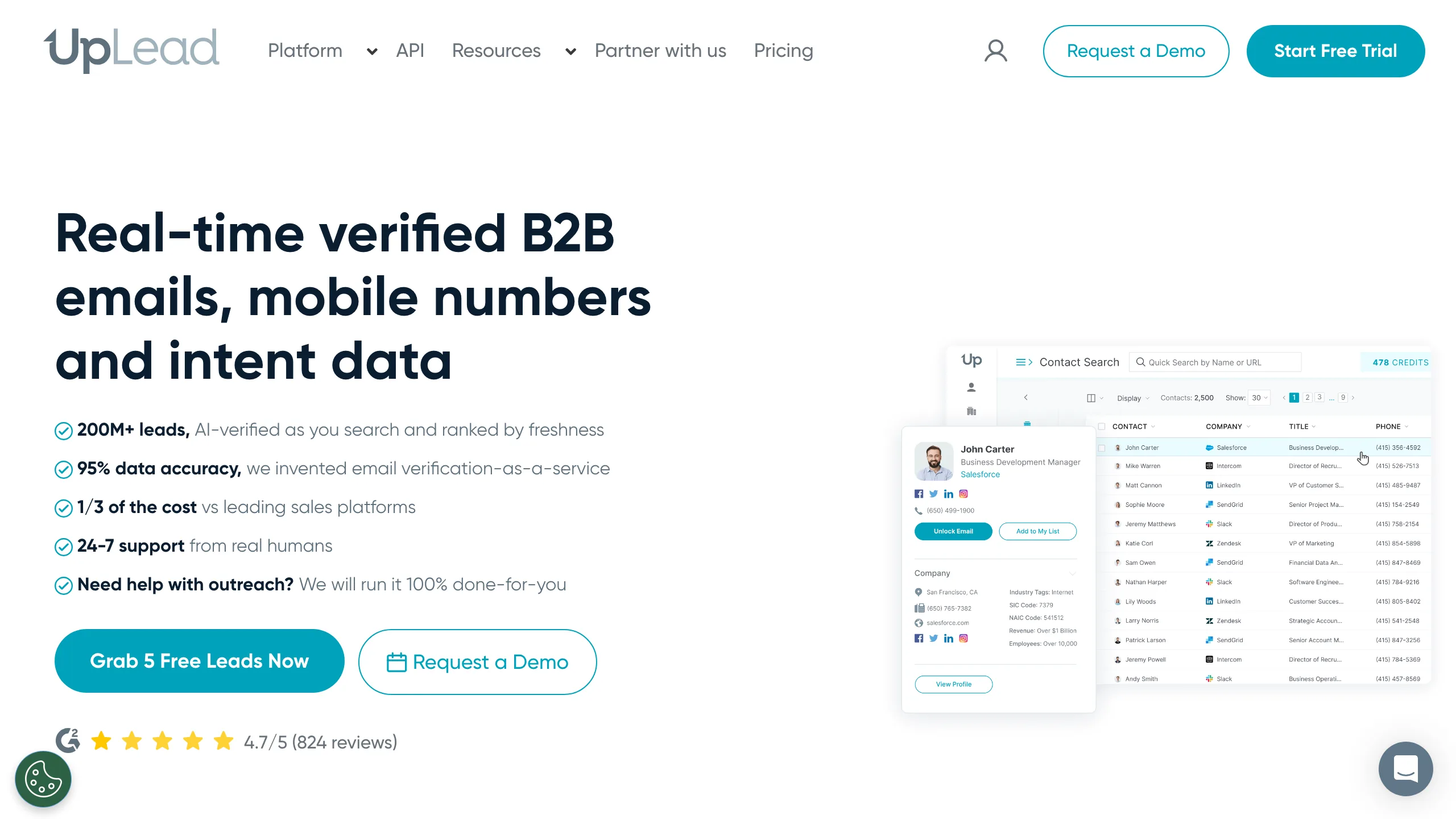
A database product rather than a finder, and the pricing follows: $99 a month for 170 credits, or $74 on annual billing, where a credit buys a whole contact record with firmographics and often a phone number rather than a single email lookup. That is why the per-address figure looks so far out of line with the finders above. With 825 G2 reviews at 4.7 the data quality reputation is strong, and the platform offers real-time verification at the point of export.
Key features
- checkWhole contact records firmographics and phone numbers, not just an address.
- checkReal-time verification on export checked at the moment you pull the record.
- check825 G2 reviews at 4.7 a deep and positive review base.
- checkIntent data available on higher tiers, for prioritising accounts.
Pros
- addStrong data quality reputation
- addRecords include phone and firmographics
- addVerification at the point of export
Cons
- removeAround $582 per 1,000 records
- removeOnly 170 credits on the entry plan
- removeTrial is 5 credits over 7 days
The honest read
Priced as a database, so comparing it to a finder on cost per address is unfair to both. Right answer when you need the whole record, wrong one when you need an email.
RocketReach
Deepest records, highest unit costLike UpLead, this sells records rather than lookups, and at the entry tier the arithmetic is stark: $69 a month for 100 lookups, which is roughly $690 per 1,000. Annual billing halves it to $33 a month. What the money buys is reach into records the pure finders do not hold, including personal emails and phone numbers across a very large contact graph, backed by 1,212 G2 reviews at 4.4. The Trustpilot score tells a different story and is worth reading before committing.
Key features
- checkVery large contact graph reaches records the pure finders do not hold.
- checkPersonal emails and phone numbers alongside work addresses.
- checkAPI on all paid plans for programmatic lookups.
- check1,212 G2 reviews at 4.4 a deep review base.
Pros
- addReaches records other finders miss
- addPhone numbers alongside email
- addAnnual billing halves the monthly rate
Cons
- removeAround $690 per 1,000 at the entry tier
- removeOnly 100 lookups on the $69 plan
- removeTrustpilot sentiment well below its G2 score
The honest read
You are paying for reach into hard-to-find records, not for volume. At 100 lookups a month it is a research tool, not a prospecting engine.
Which one fits your situation
Match the engine to the list you actually have.
| If this is you | Start here |
|---|---|
| Your list is small companies nobody has indexed | Pattern beats database here. Mailsfinder tests candidates against the mail server and charges nothing when none is accepted. |
| Your list is enterprise contacts at known companies | Coverage wins. Apollo has the largest database on this page, and RocketReach reaches records the pure finders do not hold. |
| You need phone numbers as well as email | RocketReach and UpLead sell both in one record. Expect to pay per record rather than per lookup. |
| You prospect from LinkedIn all day | Skrapp and GetProspect are built around the extension. Mailsfinder has none yet, so that workflow means exporting a CSV. |
| Your budget is the binding constraint | Mailsfinder at roughly $0.30 per 1,000 found on the $19.99 Growth plan, then Tomba at roughly $11.60 on its $29 plan. |
| Data protection review comes before price | Dropcontact stores no contact database and rebuilds each address on request, which is the shortest route through a GDPR questionnaire. |
Five ways finder budgets go wrong
Each one comes from trusting a number on a pricing page instead of your own rows.
Buying coverage when you needed method
A database tool on a list of 20-person companies returns empty rows and charges you for the attempt. If your prospects are small firms, a pattern tool that tests the mail server will beat a bigger database every time.
Ignoring whether misses are billed
At a 60 percent hit rate, paying per search rather than per result raises your real cost by two thirds. Mailsfinder and Anymailfinder bill only on a hit. Most of the rest do not, and no pricing page puts that in large type.
Comparing published accuracy claims
Claims here run from 80 to 99 percent, each measured on the vendor's own sample. They are not comparable. Push 200 of your own rows through three free tiers and compare the results, which takes an afternoon.
Signing up per seat before you hire
Apollo is priced per user, so a $49 plan is $98 the day a second person needs access. Workspace-priced tools do not move. Decide this before you commit, not after.
Treating a found address as a verified one
Vendors mean different things by verified. Some ran an SMTP check this minute, others are quoting a field from a stored record. If bounce rate matters, verify before the send regardless of what the finder claimed.
Category picks
Lowest cost per found address
Mailsfinder works out near $0.30 per 1,000 found on the $19.99 Growth plan and bills nothing on a miss.
Largest database
Apollo packs 2,500 credits into $49 a user with a database and sequencer attached, at the cost of data-quality complaints.
Best documentation and support
Hunter pairs Domain Search with the clearest docs in the category, from $49 a month for 2,000 searches.
Lowest bounce rate reported
Findymail verifies inside every find and holds 4.9 on G2, now at $99 a month for 5,000 credits.
GDPR-first enrichment
Dropcontact keeps no contact database at all and rebuilds addresses on request, from EUR 29 a month.
LinkedIn-led prospecting
Skrapp.io gives 100 free credits a month forever with a mature extension, then $39 a month for 1,000.
What you actually pay
The same twelve tools with what the entry plan includes. Where a tool bills per seat, the figure is for one seat and doubles with the second.
| Tool | Free plan | Entry price | What the entry plan includes | Cost per 1,000 found, best plan |
|---|---|---|---|---|
| Mailsfinder | 100 credits a day, forever | $9.99/mo Starter | 75,000 credits a month | ~$0.3 |
| Tomba | Trial credits on signup | $89/mo Growth | 10,000 credits, finder plus verification | ~$8.90 |
| ContactOut | 5 emails and phones a day | $25/mo Email plan | Unlimited reveals, 300 exports a month | ~$83.30 |
| Apollo | 75 credits a month per user | $49/user/mo annual | 2,500 credits a user a month | ~$19.60 |
| Findymail | 10 credits, one-time trial | $99/mo Starter | 5,000 finder plus 5,000 verifier credits | ~$19.80 |
| Hunter | 50 credits a month, API included | $49/mo, $34 annual | 2,000 searches a month | ~$24.50 |
| Skrapp.io | 50 credits, one time | $39/mo, $29 annual | 2,000 credits a month, 2 users | ~$19.50 |
| Snov.io | 50 credits and 100 recipients a month | $39/mo, $29.25 annual | 1,000 credits plus 5,000 recipients | ~$39.00 |
| GetProspect | 50 valid emails a month, API included | $49/mo, $34 annual | 1,000 valid emails plus 2,000 verifications | ~$49.00 |
| Voila Norbert | 50 leads, one time | $49/mo Valet, $39 annual | 1,000 credits a month | ~$49.00 |
| Dropcontact | No standing free tier | EUR 29/mo Starter | 500 credits a month | ~$58.00 |
| Anymailfinder | 100 credits, 7-day trial | Tiers from 400 credits a month | 400 credits a month at the smallest tier | Not in USD |
| UpLead | 7-day trial, 5 credits | $99/mo, $74 annual | 170 credits a month | ~$582 |
| RocketReach | 3 lookups, one time | $69/mo, $33 annual | 100 lookups a month | ~$690 |