

Key takeaways
- check_circleFour of the eleven tools here publish no pricing whatsoever. ZoomInfo, Cognism, Outreach and Salesloft all route you to a sales conversation, which is a real budgeting cost before you have evaluated anything.
- check_circleCost per contact varies by more than 17,000x across this list. Mailsfinder works out around $0.000133 per credit on the $9.99 plan, Hunter around $0.017 on annual billing, and UpLead around $0.58 per credit.
- check_circleCredits do not mean the same thing at every vendor. Some charge per record revealed, some per export, some per enrichment field. Compare what one credit buys before comparing the price of one credit.
- check_circleApollo.io bundles the database, the finder and the sequencer for $49 per seat per month billed annually, which is why it dominates this category despite persistent complaints about data accuracy.
- check_circleClay is not a database. It orchestrates other data providers, which makes it powerful and also means its cost sits on top of whatever sources you plug into it.
- check_circleDatabases go stale at roughly 2 to 3 percent a month as people change jobs, so a large one-time export ages badly. Verify at send time rather than trusting an export from last quarter.
- check_circleMailsfinder covers finding and verifying and nothing else. No database to browse, no sequencer, no CRM. That is a genuine limitation if you want one vendor for everything.
- check_circleThe cheapest stack for most small teams is a finder plus a sender, bought separately, rather than an all-in-one platform whose per-seat price scales with headcount.
What sales prospecting tools actually do
A sales prospecting tool helps you go from a description of who you want to reach to a list of real people you can contact. That covers a wide range of products, which is why this category is so confusing to shop for. Some tools hold a database you search and filter. Some take a name and a company and return one address. Some hold no data at all and instead orchestrate other people's data. And some do none of the finding and exist to send the mail once you have the list.
The distinction that matters for your budget is between tools that charge for data and tools that charge for seats. A database charges per record you reveal or export, so your cost scales with list size. An engagement platform charges per person on your team, so your cost scales with headcount. Teams get caught out when they buy a per-seat platform for the data and then discover the data costs extra on top.
The second thing worth understanding is that contact data decays. People change jobs at roughly 2 to 3 percent a month across B2B, which means a list exported in January is meaningfully wrong by June. No provider is immune to this, and the ones claiming very high accuracy are usually measuring at the moment of export rather than the moment you send. Verification at send time is what closes that gap, and it is a separate job from finding.
Read the three types below, work out whether you are buying data, orchestration or sending, and then compare only within that group. Comparing a per-credit finder against a per-seat sequencer produces a number that means nothing.
The tools at a glance
How we evaluated these tools
Every price below was read from the vendor's own pricing page on 15 September 2026. That turned out to be the most revealing part of the exercise: four of the eleven tools publish no pricing at all, and we have said so in the table rather than leaving those cells blank. RocketReach and Lusha were dropped from the list because their pricing pages would not load for us across repeated attempts, and we would rather omit a tool than publish a figure we cannot stand behind.
Live pricing, checked on the day
Figures come from each vendor's own pricing page on 15 September 2026, not from secondhand roundups. Where a vendor publishes seat pricing and credit pricing separately, both are recorded, because the seat price alone understates the real bill.
What one credit actually buys
A credit means a revealed record at one vendor and an enrichment call at another. We noted what a credit buys at each tool, because the headline cost per credit is meaningless without it.
Published pricing treated as a feature
Four tools here route you to sales rather than showing a number. That is a genuine cost in evaluation time and negotiating position, so it appears in the comparison table as its own column value.
Ratings only where verified
G2 blocks automated access, so a rating appears only where our research data carries a verified figure and review count. Everywhere else the table links to the G2 page instead of showing an invented number.
Three kinds of tool, priced three different ways
Work out which of these you are buying before you compare a single price. Most of the confusion in this category comes from comparing tools that charge for different things.
Databases you search and filter
Hold a large store of company and contact records you browse by filter, then reveal or export. Cost scales with how many records you pull. ZoomInfo, Cognism, Apollo.io and UpLead work this way, and all but UpLead make you talk to sales for a price.
Finders you query one record at a time
Take a name and a domain, or a domain on its own, and return addresses. No browsing, no filters, and usually far cheaper per record because you are not paying to maintain a browsable index. Mailsfinder, Hunter.io, ContactOut and Snov.io sit here.
Orchestrators and engagement platforms
Clay holds no data of its own and instead routes each row through other providers, so it multiplies whatever you plug in. Outreach and Salesloft do no finding at all and exist to sequence and track the sending. Both are priced per seat, and neither publishes a number.
Every tool, side by side
Rank is a table position, not a promotional order.
| Tool | Type | Entry price | What that buys | Publishes pricing | Rating |
|---|---|---|---|---|---|
| Mailsfinder | Finder | $9.99/mo | 75,000 credits per cycle | Yes | New on G2 |
| Apollo.io | Database | $49/seat/mo annual | 2,500 credits per user per month | Yes | 4.7/5 (9,526) |
| Hunter.io | Finder | $34/mo annual | 2,000 credits per month | Yes | 4.4/5 (634) |
| ContactOut | Finder | $25/mo | Unlimited emails under fair use | Yes | 4.4/5 (109) |
| Snov.io | Finder | $29.25/mo annual | 1,000 credits plus 5,000 recipients | Yes | 4.5/5 (483) |
| UpLead | Database | $99/mo | 170 credits per month | Yes | 4.7/5 (825) |
| Clay | Orchestrator | Free, then $54/mo | 500 actions free, 15,000 on Launch | Yes | See on G2 |
| ZoomInfo | Database | No public pricing | Custom, by negotiation | No | 4.5/5 |
| Cognism | Database | No public pricing | Custom, by negotiation | No | See on G2 |
| Outreach | Engagement | No public pricing | Per seat, by negotiation | No | See on G2 |
| Salesloft | Engagement | No public pricing | Per seat, by negotiation | No | See on G2 |
Pricing read from each vendor's own pricing page on 15 September 2026. Ratings appear only where our research data carries a verified figure and review count, because G2 blocks automated access. Cost per unit uses each vendor's best published rate, which is usually a larger pack or plan than the entry price in the column beside it, so the two do not divide into each other.
Cost calculator
What building a list actually costs
Only the per-credit tools appear here, because a per-seat platform cannot be expressed as a cost per contact without inventing an assumption about team size. Tools that publish no pricing are shown as quote only, which is the honest answer rather than a made-up number.
| Tool | Contacts you can get | Rate used |
|---|
Rates read from each vendor's pricing page on 15 September 2026. What one credit buys differs by vendor, so read the tool sections before treating these as like for like.
The tools, reviewed
Every tool gets the same card: what it is, four features, three pros, three cons, and an honest read. Same format for ours as for everyone else's.
Mailsfinder
Finder and verifier, one credit pool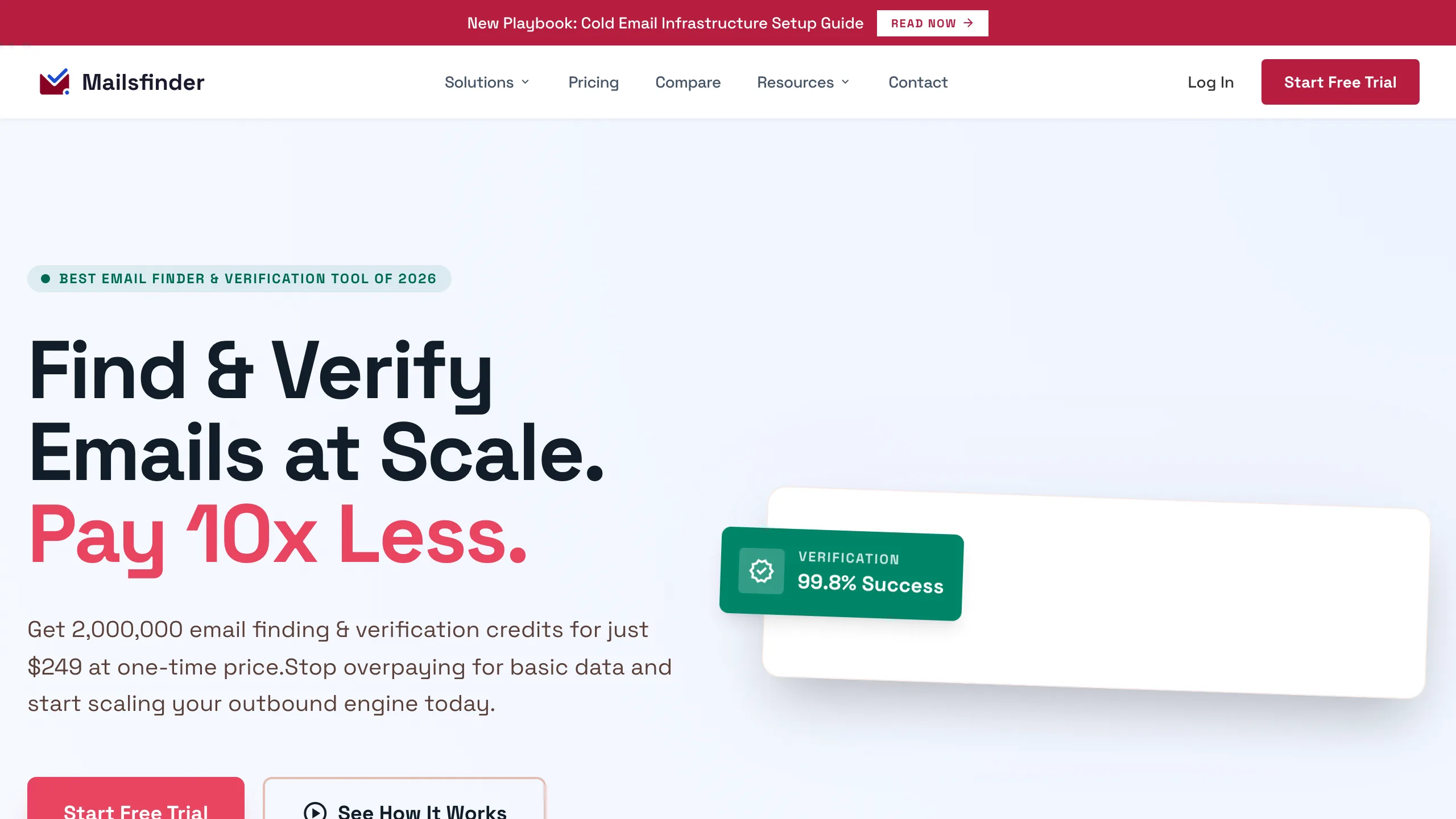
Disclosure first: this is our tool, so weigh the cons accordingly and check the numbers yourself. Mailsfinder takes a name and a company domain and returns a verified address, drawing both the finding and the verification from one credit pool. There is no database to browse and no sequencer, which is the point: the $9.99 monthly plan carries 75,000 credits, so the cost per credit lands around $0.000133 rather than the per-record rates a database charges. A REST API covers both functions on every paid plan, and the free tier runs 100 credits a day indefinitely.
Key features
- checkFind and verify together draw from the same credit balance, so a verified result costs one credit rather than two vendors.
- checkLive SMTP verification checks the mailbox at query time rather than reading from a cached export.
- checkBulk processing takes CSV, XLSX or a Google Sheet and returns every row with a status.
- checkREST API on every paid plan, covering the finder, the verifier and enrichment.
Pros
- addLowest published cost per credit on this list
- addFree tier runs 100 credits daily, no card
- addFinding and verifying share one balance
Cons
- removeNo searchable database to build lists from
- removeNo sequencer or CRM, so you need a sender
- removeNo Chrome extension yet, it is on the roadmap
The honest read
The right tool if you already know who you want to reach and need addresses cheaply. The wrong tool if you need to discover who to target, because there is nothing here to browse or filter.
Apollo.io
Database, finder and sequencer in one
Nothing else on this list covers as much ground for the money: Apollo bundles a large contact database, an email finder, a sequencer and basic CRM functions for $49 per seat per month billed annually, rising through $79 and $119 for larger teams. That breadth explains 9,526 G2 reviews and a 4.7 rating. It also explains the persistent complaints, because data accuracy is the recurring theme in public discussion, with Reddit threads reporting bounce rates far above what the marketing suggests. Verify what Apollo gives you before sending to it.
Key features
- checkContact database searchable by industry, headcount, technology and hiring signal.
- checkBuilt-in sequencer means you can send from the same tool that found the contact.
- checkChrome extension pulls contacts while browsing LinkedIn.
- check2,500 credits per user included on the entry paid plan, which is generous relative to price.
Pros
- addWidest feature coverage per dollar on this list
- add9,526 G2 reviews, the deepest record here
- addGenerous credit allowance on the entry plan
Cons
- removeData accuracy is the most common complaint
- removePer-seat pricing scales with headcount
- removeCredits reset monthly rather than rolling over
The honest read
Extraordinary value if the data quality holds for your segment, and genuinely frustrating if it does not. Run a verification pass over a sample before committing a team to it, because the accuracy complaints are too consistent to dismiss.
Hunter.io
Domain search and email finding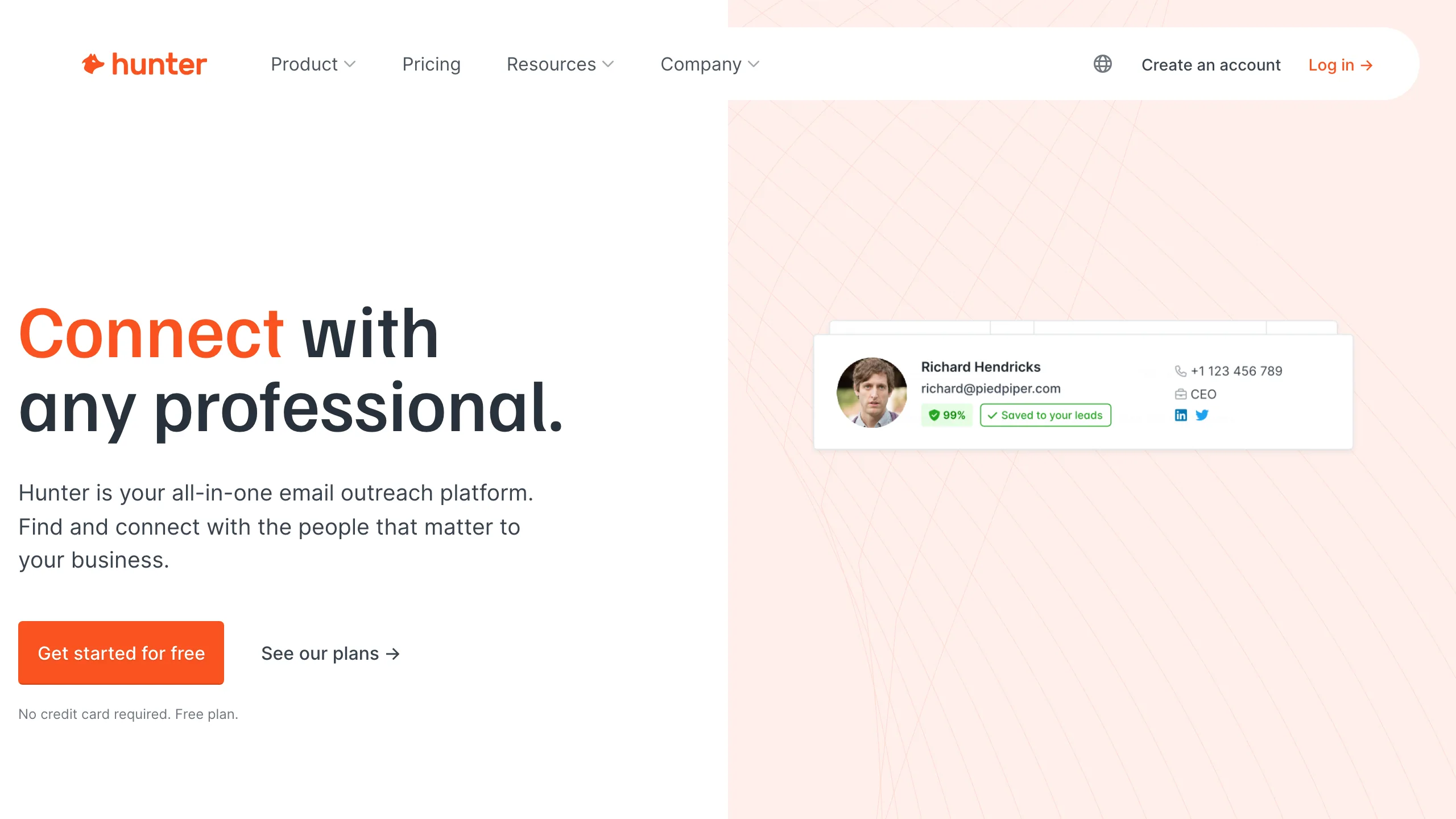
Domain search is what Hunter is known for: give it a company domain and it returns the addresses it knows there, along with the pattern the company uses. Paid plans start at $34 a month billed annually for 2,000 credits, or $49 monthly, with a Growth tier at $104 annually for 10,000. The free plan carries 50 credits a month and, unusually, includes API access, which makes it genuinely useful for testing an integration. Independent testing has put its verifier below its marketing claims, so treat its verification as a first pass rather than a final one.
Key features
- checkDomain search returns known addresses and the detected pattern for a company.
- checkAPI on every plan including the free tier, which is rare in this category.
- checkChrome extension surfaces addresses while browsing a company site.
- checkIntegrations cover HubSpot, Salesforce, Pipedrive, Zapier and Google Sheets.
Pros
- addAPI available even on the free plan
- addDomain pattern detection is genuinely useful
- addEstablished tool with 634 G2 reviews
Cons
- removeVerifier accuracy below marketing claims in tests
- remove2,000 credits is modest for the price
- removeNo sequencer, so you need a separate sender
The honest read
A dependable finder with the best free tier for developers, held back by a verifier that independent tests rate below its own claims. Use it to find and something else to verify.
ContactOut
LinkedIn-first contact finding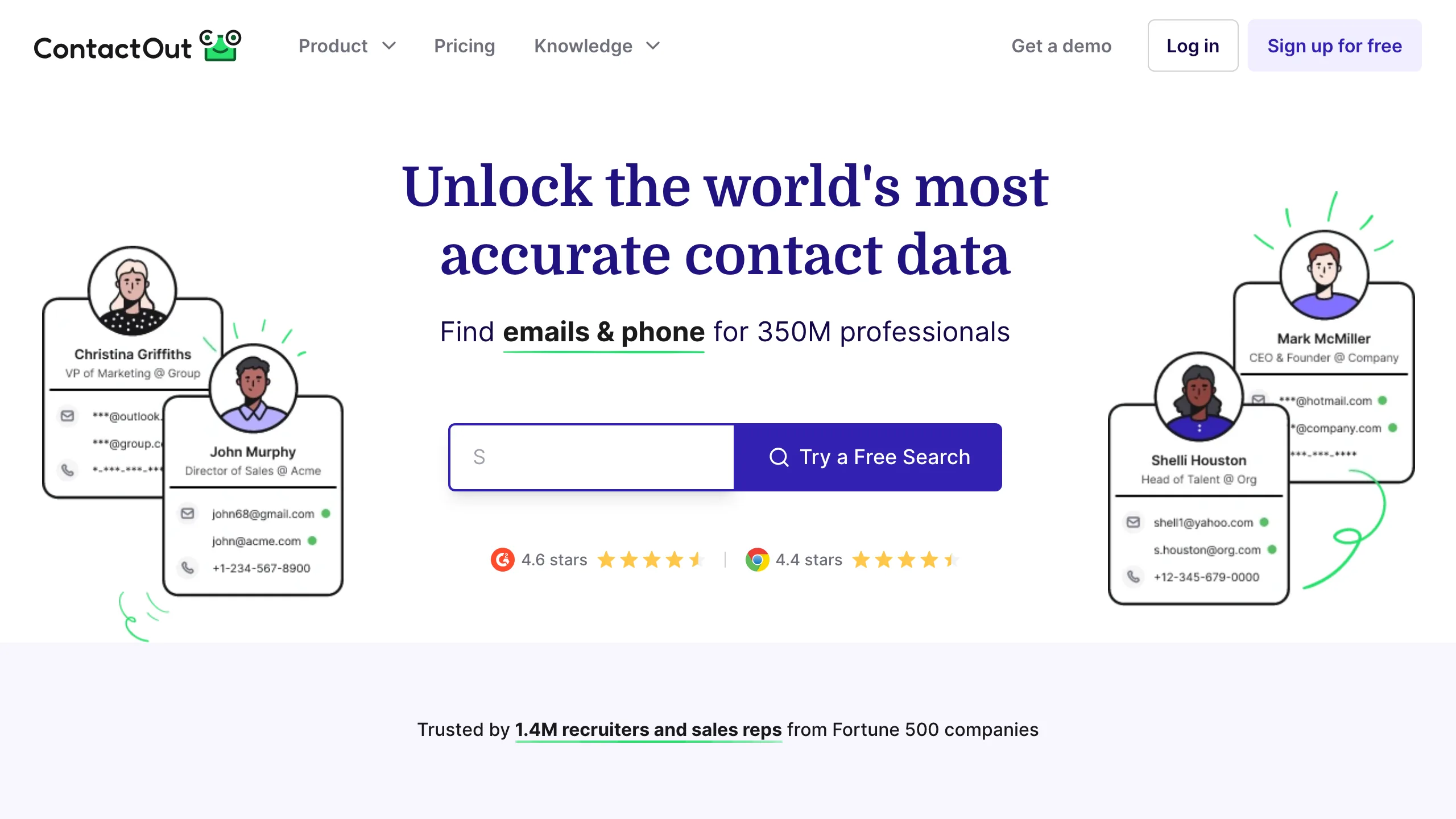
The lowest published entry price on this list belongs to ContactOut, at $25 a month for the Email plan, with Email and Phone at $49 and a Sales tier at $299. Its strength is working alongside LinkedIn, surfacing contact details as you browse profiles, which suits recruiters and anyone whose targeting logic lives in LinkedIn search rather than in firmographic filters. The fair use cap of roughly 2,000 and 300 exports a month is the number to watch, because unlimited in the marketing is not unlimited in practice.
Key features
- checkLinkedIn integration reveals contact details directly on a profile as you browse.
- checkPersonal and work emails both returned, which matters for recruiting use cases.
- checkExport limits set at 300 a month on the entry plan.
- checkPhone numbers available on the higher Email and Phone tier at $49.
Pros
- addCheapest published entry price on this list
- addStrong for LinkedIn-driven prospecting
- addReturns personal as well as work addresses
Cons
- removeUnlimited is capped by fair use in practice
- remove300 exports a month on the entry plan
- removeWeaker without LinkedIn in the workflow
The honest read
Excellent value if your prospecting starts in LinkedIn search, and much less compelling if it does not. Read the fair use cap carefully before assuming unlimited means unlimited.
Snov.io
Budget all-in-one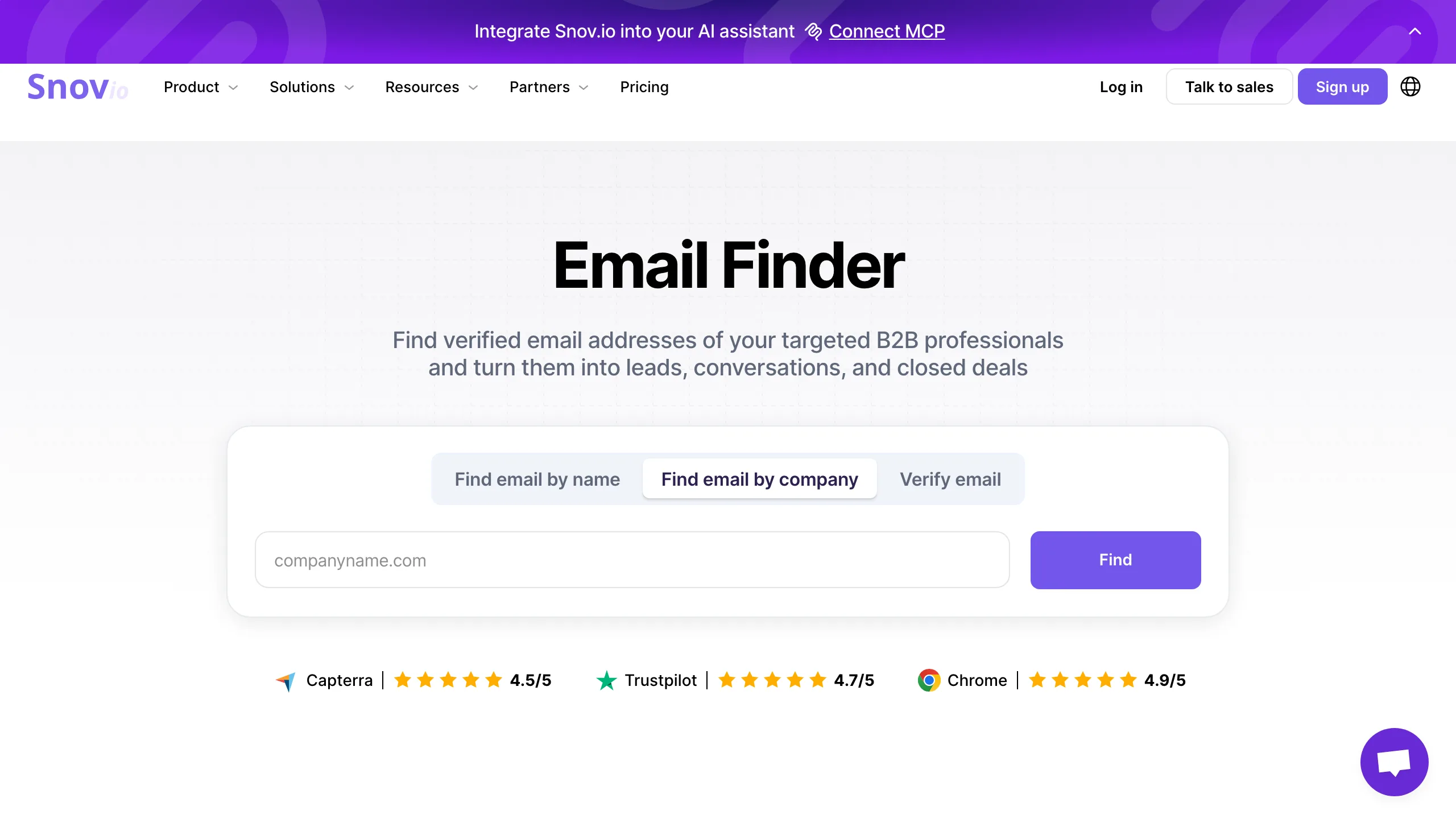
Covering finding, verifying and sending on one bill, Snov.io runs $39 a month or $29.25 billed annually, which includes 1,000 credits and 5,000 email recipients. That combination makes it the cheapest genuine all-in-one here, below Apollo on absolute price though with a smaller database behind it. Its seven-tier verification process is a real feature rather than marketing, and the company publishes a 1.72 percent bounce figure for addresses it marks valid. The API is gated to Starter and above rather than being available on the free plan.
Key features
- checkFinder and sender together on one bill, with recipients included alongside credits.
- checkSeven-tier verification runs before an address is marked valid.
- checkChrome extension for collecting prospects while browsing.
- checkIntegrations cover HubSpot, Pipedrive and Zapier.
Pros
- addCheapest all-in-one on absolute price
- addVerification built in rather than an add-on
- addRecipients bundled with credits
Cons
- removeSmaller database than Apollo or ZoomInfo
- removeAPI not available on the free plan
- removeReported accuracy below its 93 percent claim
The honest read
Strong value for a small team that wants one tool and one invoice, provided your target list is not so niche that database size becomes the constraint. Check coverage for your segment before committing.
UpLead
Database with verification at export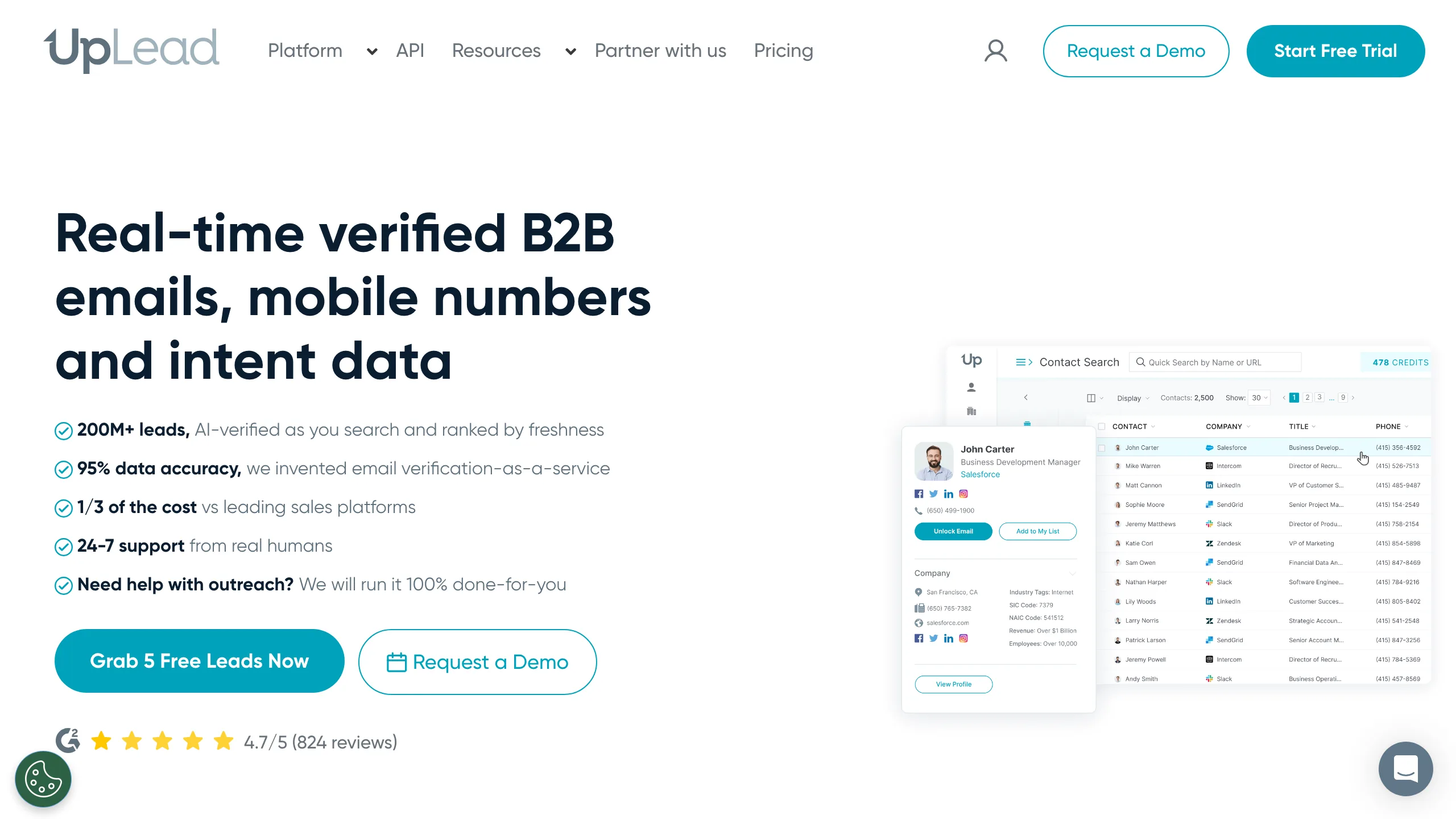
Verification at the point of export is UpLead's central promise, and the pricing reflects it: $99 a month for 170 credits, or $199 for 400, which works out around $0.58 per credit and makes it the most expensive per contact on this list by a wide margin. What you are buying is a smaller number of records with a higher confidence attached, rather than a large export you then have to clean. With 825 G2 reviews at 4.7 it has a solid record. Whether the premium is worth it depends entirely on whether your alternative is an unverified bulk export.
Key features
- checkVerification at export checks addresses as you pull them rather than afterwards.
- checkFirmographic filters cover industry, size, location and technology used.
- checkIntent data available on higher tiers.
- checkCredit refund offered for records that turn out to be invalid.
Pros
- addVerification included at the point of export
- addStrong G2 record at 4.7 from 825 reviews
- addCredit refunds on invalid records
Cons
- removeMost expensive per contact on this list
- remove170 credits a month is restrictive
- removeTrial is 7 days with only 5 credits
The honest read
The per-credit price only makes sense if you value verified-at-export over volume. If you are willing to run a separate verification pass, a cheaper database plus a verifier costs a fraction of this.
Clay
Orchestration across other providers
Holding no contact data of its own, Clay instead routes each row through dozens of other providers and lets you write the logic that decides which one to try and when. That makes it the answer when your targeting needs a filter no single database supports, and it makes the pricing harder to reason about, because actions are the unit rather than contacts. The free plan carries 500 actions a month, Launch runs $167 a month for 15,000, and annual tiers start around $54. Budget for the underlying data providers on top of the Clay bill.
Key features
- checkWaterfall enrichment tries providers in sequence until one returns a result.
- checkCustom logic lets you build filters no single database offers.
- checkLarge integration library covering most major data providers.
- checkFree plan carries 500 actions a month for evaluation.
Pros
- addHandles targeting no single database supports
- addWaterfall approach improves match rates
- addGenuinely useful free tier at 500 actions
Cons
- removeCosts sit on top of underlying data providers
- removeActions are harder to budget than contacts
- removeSteep learning curve versus a simple finder
The honest read
Powerful and genuinely different from everything else here, but it is a build-it-yourself tool. If your requirement is a list of addresses at a company, this is considerably more machinery than the job needs.
ZoomInfo
Enterprise database, quote only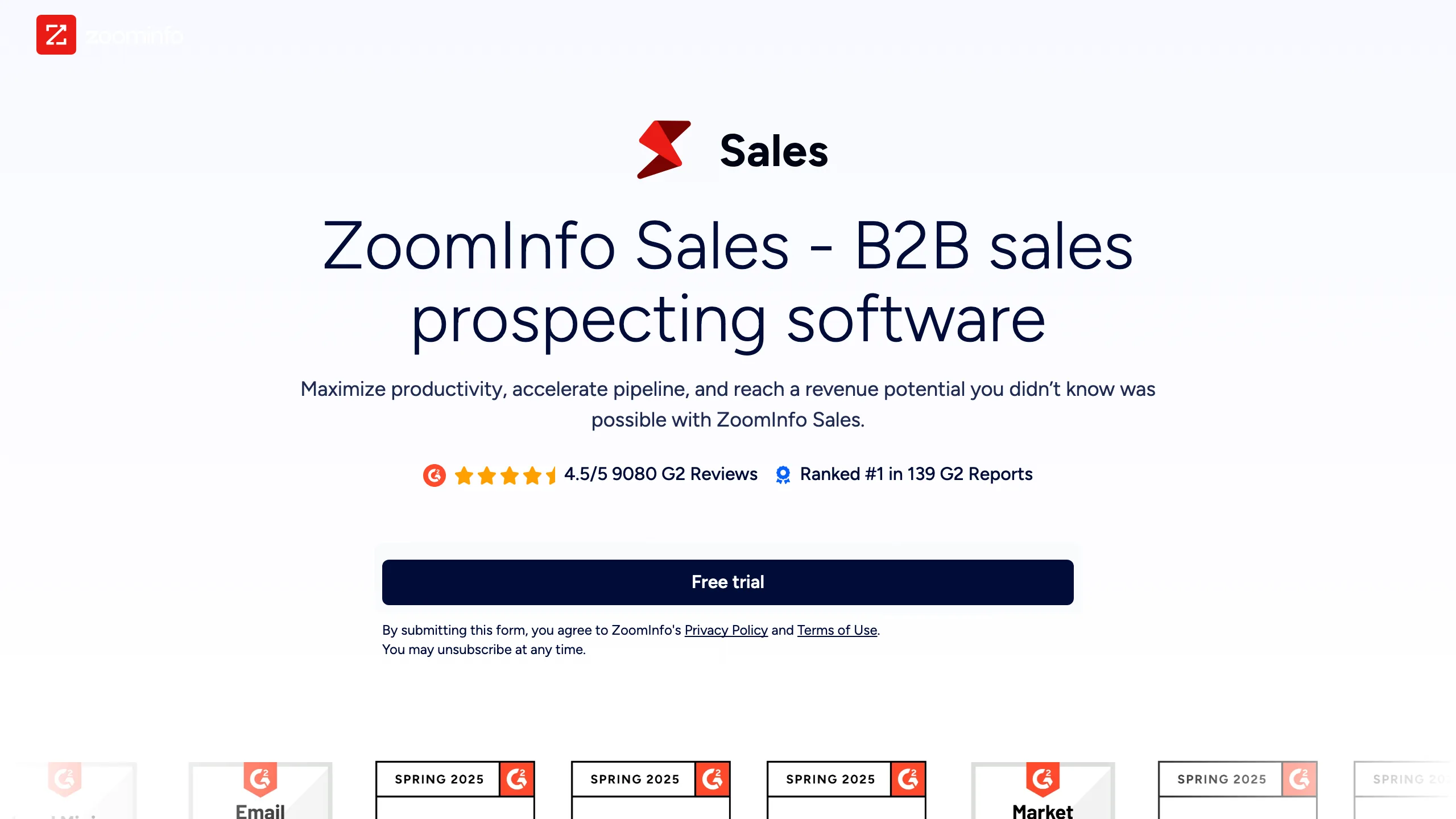
Breadth of coverage is why ZoomInfo remains the enterprise default, with firmographic, technographic and intent data layered over one of the largest contact databases in the category. Getting a price requires a sales conversation, and its own pricing page blocked our access entirely while the rest of the site loaded normally. Budget weeks rather than days to evaluate, and expect annual contracts rather than monthly. For teams that need coverage depth and have procurement to satisfy, it is usually on the shortlist regardless of price opacity.
Key features
- checkLarge contact database with the broadest coverage of anything on this list.
- checkIntent signals flag accounts researching your category.
- checkTechnographic filters target by the software a company already runs.
- checkCRM integrations built for Salesforce and enterprise workflows.
Pros
- addBroadest data coverage in the category
- addIntent and technographic layers included
- addBuilt for enterprise CRM workflows
Cons
- removeNo published pricing at all
- removeAnnual contracts rather than monthly
- removeEvaluation takes weeks through sales
The honest read
The coverage is real and so is the friction. If you cannot start a procurement process, you cannot evaluate this tool at all, which is itself the deciding factor for most small teams.
Cognism
Enterprise database with a compliance focus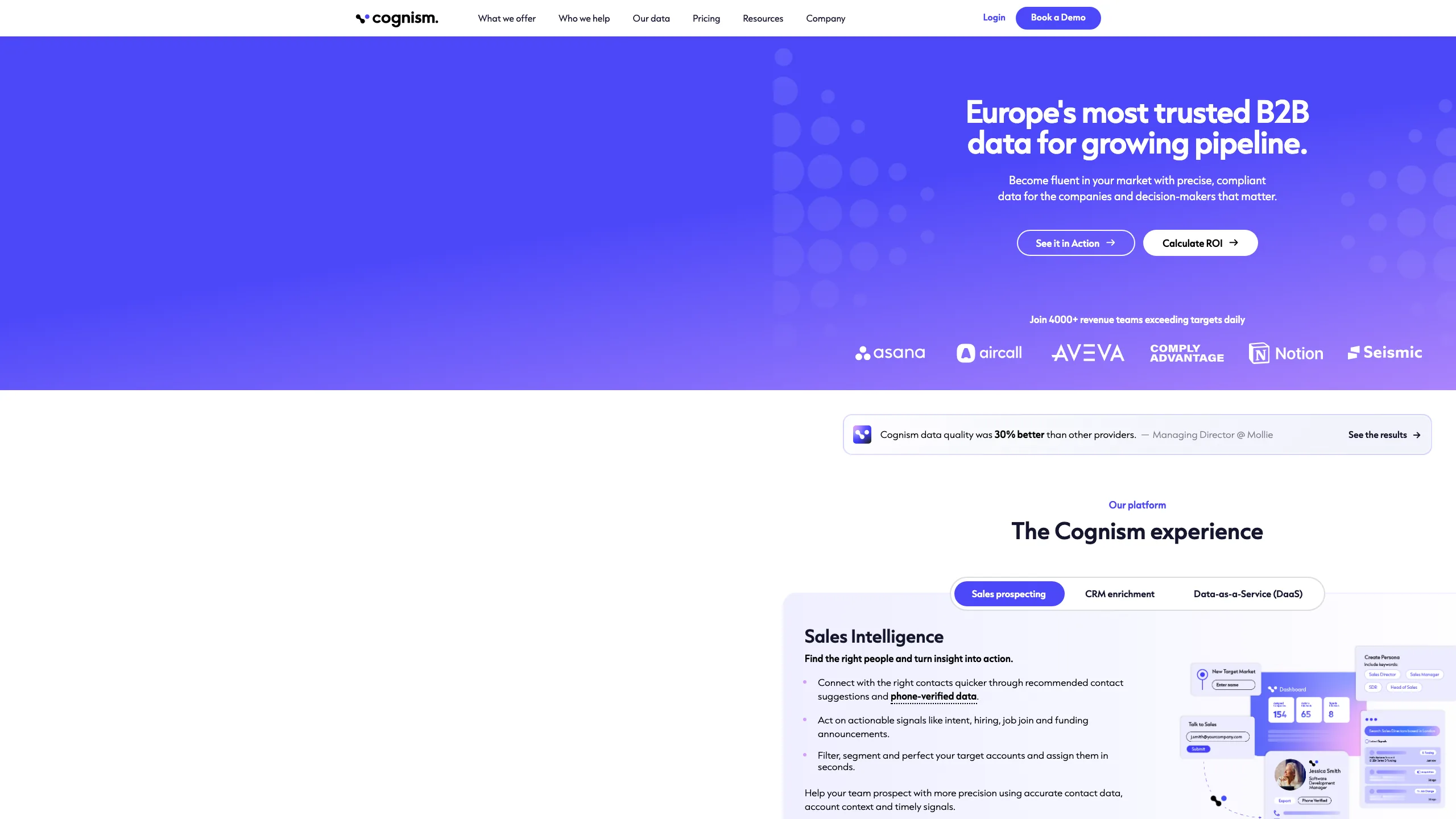
European data and compliance are the reason Cognism appears on shortlists next to ZoomInfo, with notified contact handling built into how it sources records. Its pricing page names tiers for prospecting, CRM enrichment and data as a service, then shows no numbers against any of them, so a sales conversation is unavoidable. Phone-verified mobile numbers are the feature teams most often cite for choosing it. For outbound into Europe where GDPR posture matters to legal, the compliance story is doing real work rather than decorating the marketing.
Key features
- checkEuropean coverage stronger than most US-first databases.
- checkNotified contact handling built into how records are sourced.
- checkPhone-verified mobiles checked by humans rather than inferred.
- checkIntent data available through a partnership rather than built in-house.
Pros
- addStrongest European data compliance position
- addPhone numbers verified rather than inferred
- addNamed tiers for different use cases
Cons
- removeNo pricing published against any tier
- removeNo free plan to evaluate with
- removeSmaller total coverage than ZoomInfo
The honest read
The compliance positioning is substantive rather than marketing, which matters if your legal team has a view on GDPR. Everything else about evaluating it is as slow as any enterprise purchase.
Outreach
Sequencing, no finding
Worth being clear about what this is: Outreach finds nobody. It sequences, tracks and reports on outbound activity once you already have the list, which makes it a companion to everything above rather than an alternative. Its pricing page routes to a sales contact form with no numbers anywhere. For larger sales organisations it is the operating system the team works inside, with forecasting and conversation intelligence layered on. For a small team looking for contact data, it solves a different problem entirely.
Key features
- checkSequencing across email, calls and LinkedIn tasks.
- checkConversation intelligence records and analyses sales calls.
- checkForecasting for pipeline management at team scale.
- checkDeep CRM sync built for Salesforce-centric organisations.
Pros
- addMature platform for large sales teams
- addSequencing and forecasting in one place
- addStrong Salesforce integration
Cons
- removeFinds no contacts at all
- removeNo published pricing
- removeOverbuilt for teams under about ten reps
The honest read
In this list because it keeps appearing in prospecting roundups, which is misleading. It is a sending and management layer, so budget for a data source separately.
Salesloft
Sequencing, no finding
Sitting in the same category as Outreach and competing directly with it, Salesloft handles cadences, dialling and pipeline management for teams that already have their contact data. Pricing is quote only, with the page routing to a demo request. The choice between it and Outreach usually comes down to CRM fit and which one your team has used before rather than a feature gap. Like Outreach, it will not find you a single email address, so it belongs next to a data source rather than instead of one.
Key features
- checkCadences sequence email, calls and social touches.
- checkBuilt-in dialler for teams running phone alongside email.
- checkPipeline management with forecasting for sales leadership.
- checkCRM sync across Salesforce and other major systems.
Pros
- addEstablished platform with a dialler included
- addStrong cadence and pipeline reporting
- addClose feature parity with Outreach
Cons
- removeFinds no contacts at all
- removeNo published pricing
- removePer-seat cost scales with team size
The honest read
A capable sending and management layer that solves none of the data problem. Choose between it and Outreach on CRM fit, and budget for a finder or database separately either way.
Which one fits your situation
Pick the row that matches your constraint, not the tool with the most features.
| If this is you | Start here |
|---|---|
| You need addresses and already have a sender | Mailsfinder or Hunter.io. Both are per credit rather than per seat, so a small team is not paying for chairs. |
| You want one vendor for data and sending | Apollo.io at $49 per seat per month billed annually, which is the cheapest genuine all-in-one here. Read the accuracy caveats first. |
| You are building lists from LinkedIn | ContactOut at $25 a month on the Email plan, which is the cheapest entry point of any tool on this list. |
| You have unusual filters no database supports | Clay, which routes each row through other providers and lets you write the logic. Budget for the underlying data on top. |
| You are an enterprise with a procurement process | ZoomInfo or Cognism. Neither publishes pricing, so allow weeks rather than days to evaluate. |
| Your problem is sequencing, not finding | Outreach or Salesloft. Both are per seat, both are quote only, and neither will find you a single address. |
Four expensive mistakes in this category
These come up repeatedly and none of them are obvious until the invoice arrives.
Comparing cost per credit without comparing what a credit buys
One vendor's credit reveals a full record with phone and email. Another's covers a single enrichment field. A third charges separately for the export. The cost per credit is not comparable until you have read what one credit actually does at each tool.
Buying seats for data
Per-seat platforms bill by headcount, so a five-person team pays five times for the same database. If your constraint is list volume rather than team size, a per-credit finder is usually far cheaper for the same output.
Trusting an export from last quarter
Contact data decays at roughly 2 to 3 percent a month as people change roles. A list exported six months ago is meaningfully wrong now. Verify at send time rather than assuming the export is still accurate.
Letting a quote-only vendor set the evaluation timeline
Four tools here require a sales conversation before you see a number. That is weeks of calls before you can compare, and it removes your ability to run a quiet trial. Start those conversations early or rule them out deliberately.
Category picks
Lowest cost per contact
Mailsfinder works out cheapest per credit here on the $9.99 plan, with finding and verifying drawing from the same pool.
Best all-in-one
Apollo.io covers database, finder and sequencer for $49 per seat per month billed annually, which no other single vendor matches at that price.
Cheapest entry point
ContactOut starts at $25 a month on the Email plan, the lowest published entry price of anything on this list.
Custom enrichment logic
Clay routes rows through other providers so you can build filters no single database supports, from $54 a month on annual tiers.
Established domain search
Hunter.io runs $34 a month billed annually for 2,000 credits, with an API available on every plan including the free one.
Enterprise data coverage
Cognism is the usual alternative to ZoomInfo for European data, though it publishes no pricing and requires a sales conversation.
What you actually pay
Two different units appear here and they do not compare directly. Per-credit tools bill by the record, so cost scales with list size. Per-seat tools bill by the person, so cost scales with headcount. The cost per contact column is filled only where a per-record price actually exists.
| Tool | Free plan | Entry price | What you get | Cost per contact, best plan |
|---|---|---|---|---|
| Mailsfinder | 100 credits per day | $9.99/mo | 75,000 credits per cycle | ~$0.0004 |
| Apollo.io | Yes, limited credits | $49 per seat per month, billed annually | 2,500 credits per user per month | ~$0.02 |
| Hunter.io | 50 credits per month | $34/mo billed annually ($49 monthly) | 2,000 credits per month | ~$0.017 |
| ContactOut | Yes, small daily allowance | $25/mo (Email plan) | Unlimited emails under fair use, 300 exports a month | ~$0.013 |
| Snov.io | 50 credits plus 100 recipients | $39/mo ($29.25 annual) | 1,000 credits and 5,000 recipients | ~$0.029 |
| UpLead | 7-day trial, 5 credits | $99/mo ($74/mo annual) | 170 credits per month | ~$0.58 |
| Clay | 500 actions per month | From $54/mo on annual tiers | 15,000 actions a month on Launch at $167 | Varies by source |
| ZoomInfo | Trial only | No public pricing, quote only | Custom by contract | Quote only |
| Cognism | No | No public pricing, quote only | Custom by contract | Quote only |
| Outreach | No | No public pricing, quote only | Per seat by contract | Quote only |
| Salesloft | No | No public pricing, quote only | Per seat by contract | Quote only |